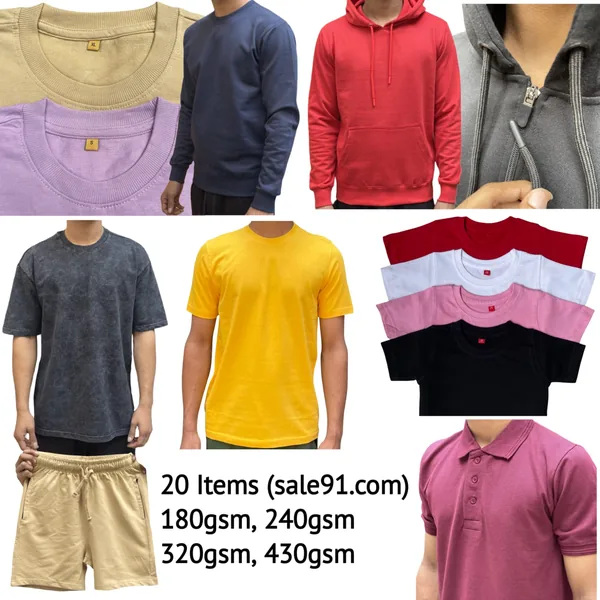
Colour Bleeding on Dark Plain T-Shirts: What It Means, Why It Happens, and How You Test for It in Five Minutes

If you run a custom printing business — DTG, DTF, screen print, or heat transfer — the quality of the blank t-shirt you print on is half your finished product. Most buyers check GSM, check stitching, check shrinkage. But one quality dimension gets skipped far too often: colour fastness on dark shades. Navy blue, royal blue, maroon, bottle green, black — these are the bread-and-butter SKUs for any printing business. They are also the shades most likely to bleed dye onto adjacent fabric, onto the print itself, or onto a customer's skin during the first wash.
This post is a practical trade guide. By the time you finish reading it, you will know exactly what colour fastness means, why dark dyes behave differently from pastels, how to run a wet-rub test and a hot-water dip test on a sample piece at your warehouse or workshop — and how to interpret what you see using the industry's standard 1–5 grade scale. No lab required. No expensive equipment. Five minutes and a piece of white cotton cloth is all it takes.
(If you need a quick refresher on terms like bio-wash, pre-shrunk, or GSM, our FAQ page covers those basics — we won't repeat them here.)
What Colour Fastness Actually Means in the Context of Garment Dyeing
Colour fastness is a textile industry term that describes how well a dyed fabric retains its colour when exposed to specific agents — water, rubbing (wet or dry), perspiration, light, or laundering. It is not a single number; it is a set of ratings, each measured under a defined test condition.
For a bulk printing buyer, the two most relevant fastness parameters are:
- Colour fastness to washing — does the dye bleed into wash water and stain adjacent white fabric?
- Colour fastness to rubbing (crocking) — does the dye transfer when the fabric is rubbed while wet?
A third parameter — fastness to perspiration — matters for end consumers wearing dark shirts in summer heat, but for printers, washing and rubbing fastness are the two that directly affect your print quality and your finished goods' durability.
The globally accepted scale runs from Grade 1 (very poor) to Grade 5 (excellent). Grade 3 is the minimum acceptable threshold for most commercial garment applications. Grade 4 and above is what a quality-conscious printing business should insist on.
Colour Fastness Grade Reference Table
| Grade | What It Means | For Printers & Bulk Buyers | Verdict |
|---|---|---|---|
| 5 | No colour change; no staining on white adjacent cloth | Ideal for DTG and DTF — no dye migration into ink layer | Excellent |
| 4 | Slight change barely visible; negligible staining | Safe for all printing methods; passes premium brand audits | Good |
| 3 | Noticeable change; slight staining on adjacent fabric | Marginal — acceptable for low-wash-frequency merch; risky for activewear | Borderline |
| 2 | Considerable change; visible staining | Will bleed in first commercial wash — do not use for printing | Poor |
| 1 | Severe colour change; heavy staining | Commercially unacceptable; fabric is essentially not wash-fast | Reject |
Why Dark Shades Bleed More Than Pastels — the Dye Chemistry Reason
This is trade knowledge that many buyers don't fully understand, and it's worth explaining clearly because it directly determines what you should test and how aggressively.
To achieve a deep, saturated shade — navy, black, maroon, royal blue, bottle green — a dyer must apply significantly higher concentrations of dye to the cotton fibre. In reactive dyeing (the predominant method for cotton in India's textile belt), the dye molecule bonds covalently with the cellulose in cotton. But at high dye concentrations, not all dye molecules form these covalent bonds. Some dye remains as hydrolysed dye — molecules that reacted with water instead of cotton during the dyeing bath. This hydrolysed dye has no bond with the fibre. It simply sits trapped in the fabric structure.
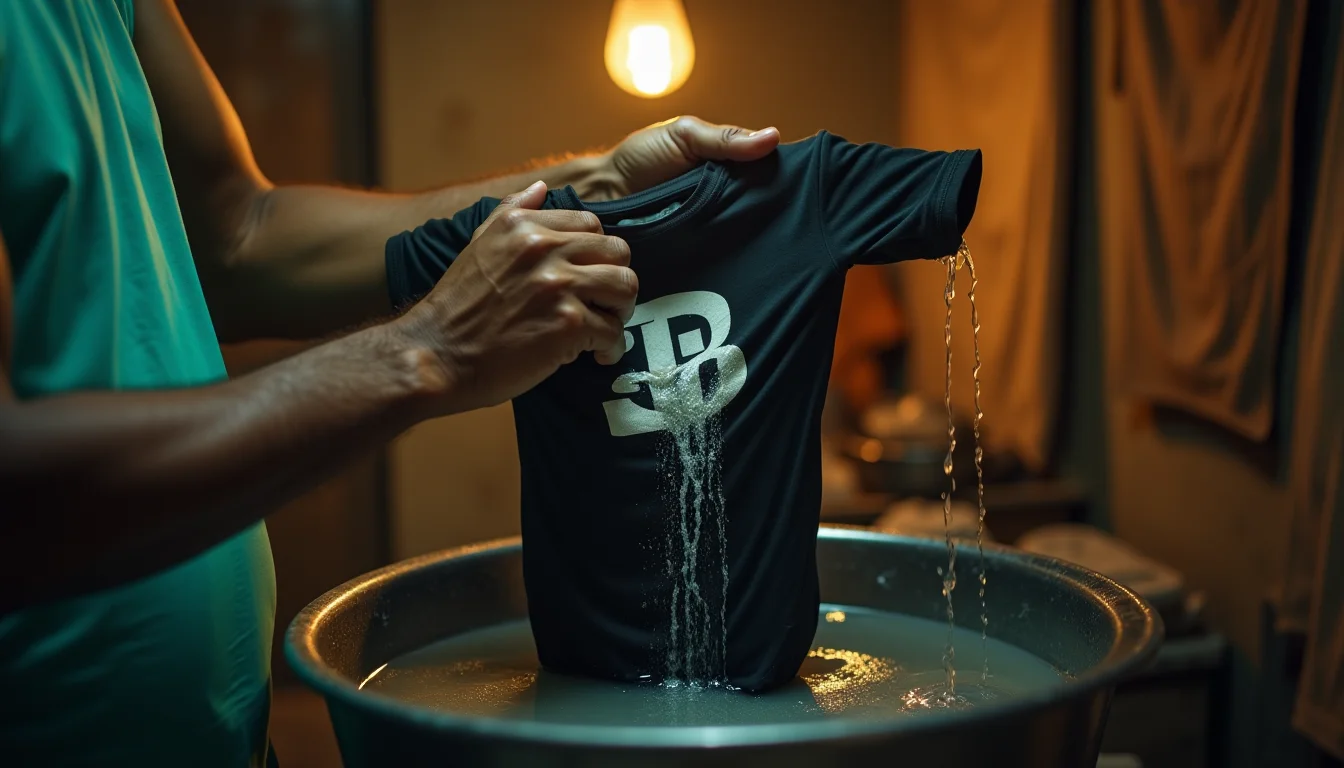
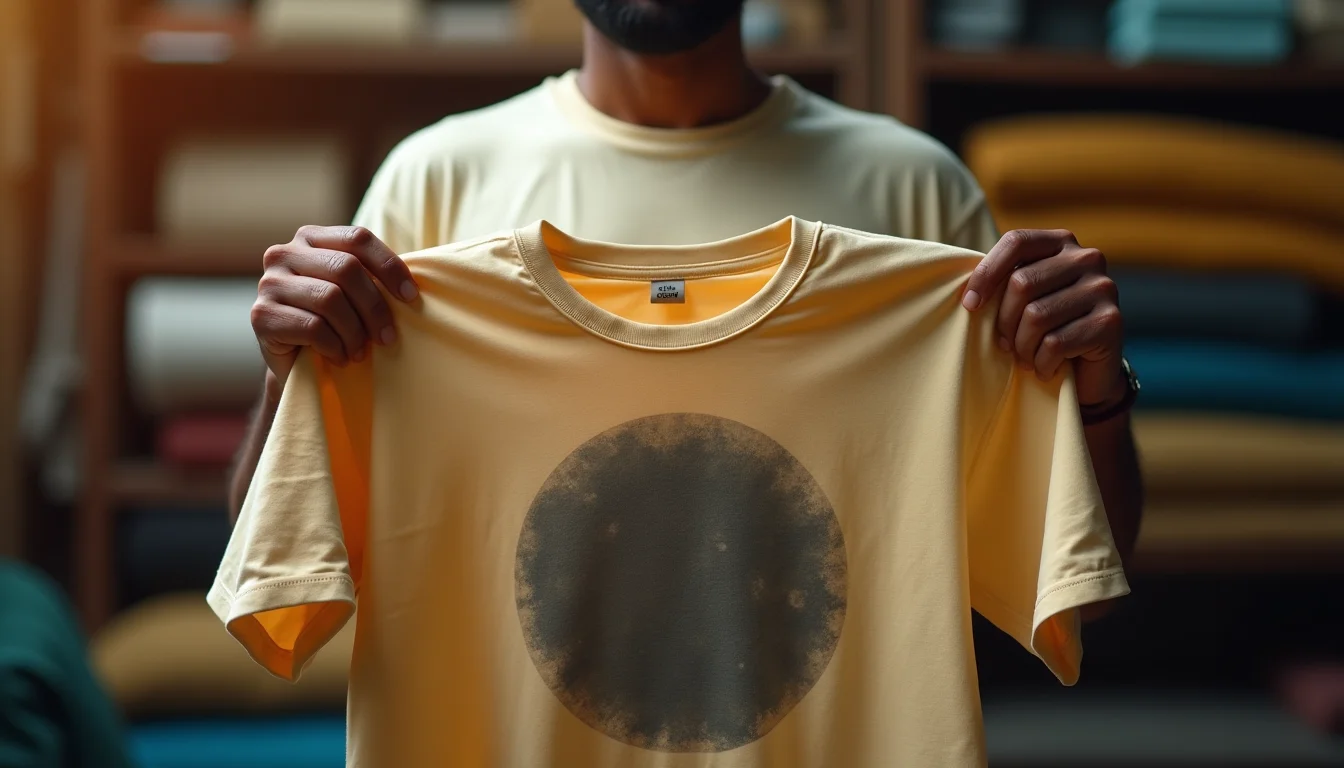
When the fabric is later wetted — whether during washing, perspiration, or even a humid environment — this unfixed, hydrolysed dye begins to migrate. It moves from the dyed fabric onto adjacent white fabric, onto print layers, or onto skin. This is what buyers and end consumers experience as "colour bleeding."
The critical variable is the soaping and washing process after dyeing. After reactive dyeing, the fabric must go through multiple hot soaping stages to remove all unfixed and hydrolysed dye. If the dyehouse cuts corners on soaping — fewer washes, lower temperature, cheaper soaping agents — the residual unfixed dye remains in the fabric. A buyer looking at the fabric in its dry state cannot detect this. The colour looks fine. The problem only surfaces when the fabric meets water.
Pastel shades (light grey, off-white, powder blue, light pink) use very low dye concentrations. The proportion of unfixed dye is correspondingly low. Even with average soaping practice, the residual is small enough that it rarely causes visible bleeding. This is why pastels almost never fail a bleeding test while navies and blacks frequently do if the dyehouse is not rigorous.
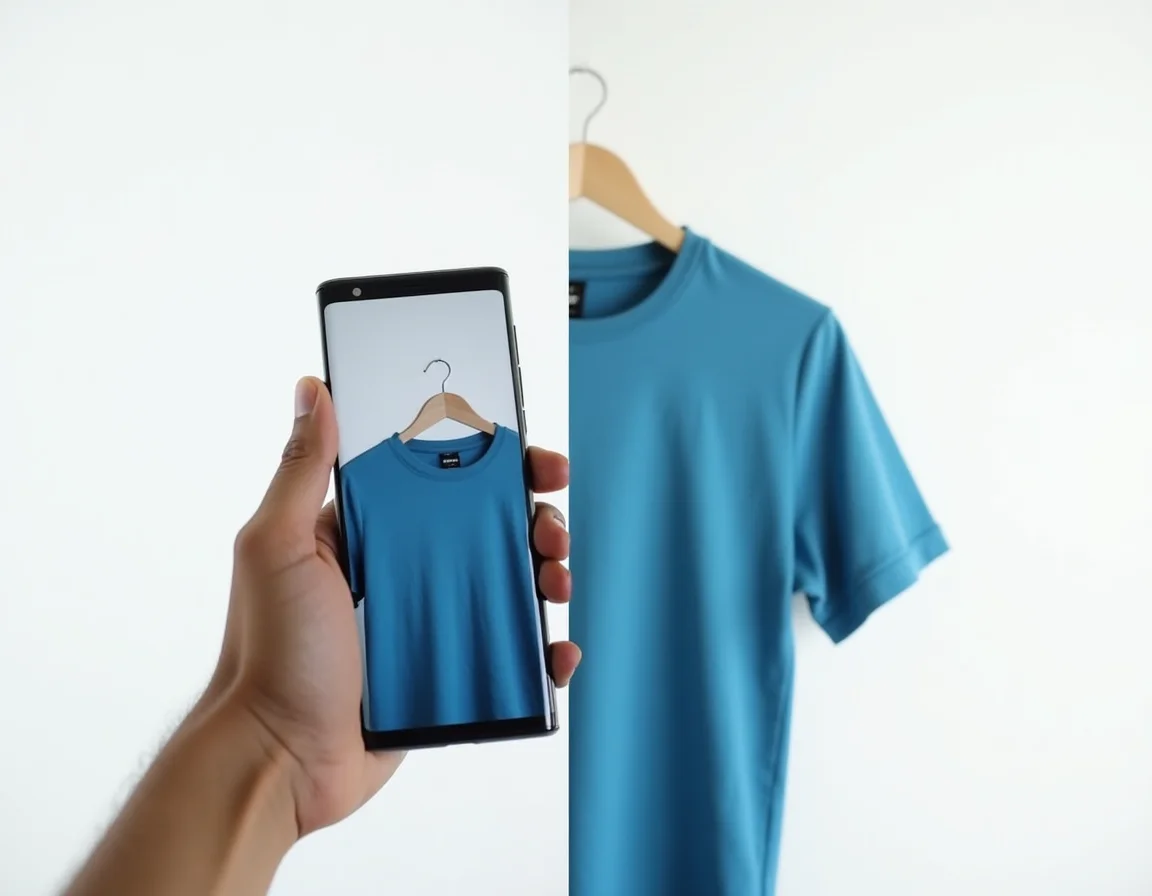
Reactive Dye vs Pigment Dye — How the Dye Type Affects Bleeding Risk
Reactive Dye (Standard for Cotton T-Shirts in India)
Reactive dyes are the industry standard for dyeing 100% cotton garments in Tiruppur and across India's textile manufacturing belt. They form a direct chemical bond with the cotton fibre, producing vibrant, deep colours with good wash fastness when properly processed. The key phrase is when properly processed. A reactive-dyed fabric that has been adequately soaped at high temperature (typically 95°C with a soaping agent) will achieve Grade 4–5 fastness. One that has been under-soaped can test as low as Grade 2.
Reactive dyes require water to activate and bond with cotton. This also means they are susceptible to washing out — specifically the portion that did not bond. The unfixed dye fraction is the core bleeding risk with reactive dyes. For a printing business, especially one doing DTF printing on cotton blanks, a reactive-dyed dark shirt with poor soaping will bleed dye into the print film during the first wash, causing colour shift in the printed design.
Pigment Dye (Surface Coating, Not a Fibre Bond)
Pigment dyeing works differently. Instead of bonding with the cotton fibre chemically, pigment particles are coated onto the surface of the yarn or fabric, held in place by a binder resin. Pigment dyes produce a characteristically "worn-in," slightly stiff hand feel and are widely used for acid wash t-shirts and vintage-effect garments.
Pigment dye bleeding behaves differently from reactive dye bleeding. Because the colour sits on the surface rather than inside the fibre, the dry-rub test often shows more transfer than reactive-dyed fabric at equivalent wash fastness ratings. The binder is designed to handle washing, but it is sensitive to abrasion — which is why pigment-dyed garments (including acid wash styles) typically show significant colour transfer in the wet-rub test, and this is considered normal by industry convention. End-consumer care instructions for pigment-dyed garments usually specify "wash inside out separately for first few washes."
For a printing business, this distinction matters: if you are printing on acid wash or pigment-dyed blanks, the wet-rub test will almost always show Grade 2–3 transfer — this is inherent to pigment dyeing, not a defect in the fabric quality. Your print compatibility question shifts to whether the binder resin is compatible with your printing method (DTG inks, for example, can interact with pigment binder surfaces differently than on reactive-dyed fabric). For reactive-dyed plain cotton t-shirts — the standard bulk blank — you should expect and demand Grade 4 wet-rub fastness.
How to Test Colour Bleeding Yourself in Five Minutes — Two Practical Methods
You do not need a textile laboratory to get a reliable read on colour fastness. The two tests below replicate — in simplified form — the ISO 105-X12 crocking test and a simplified ISO 105-C06 washing test. They use materials available in any garment workshop.
Before you run either test, cut a 10×10 cm swatch from the sample t-shirt you want to evaluate. Always cut from the body of the garment, not the hem or collar, where dye application may differ. For dark shades like navy or black, also keep a piece of dry white cotton cloth (plain unbleached muslin or a white cotton handkerchief works fine) as your "adjacent fabric" indicator.
Test 1 — The Wet-Rub (Crocking) Test
This is the most important test for printing businesses. It directly simulates what happens when a damp garment rubs against another surface — exactly what occurs when a printed shirt is packed wet against adjacent garments, or when a customer sweats while wearing a dark shirt.
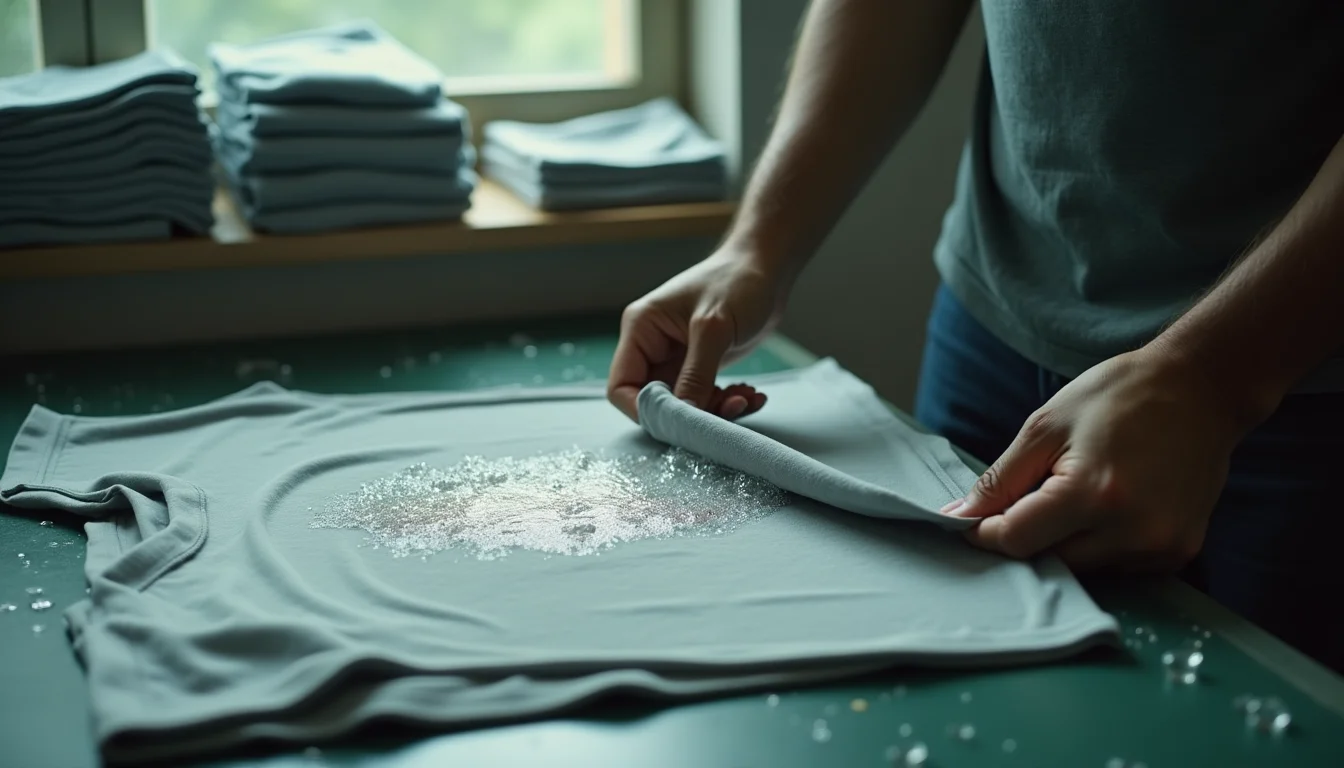
- Wet the white test cloth. Take a small piece of white cotton fabric (roughly 5×5 cm). Soak it in clean tap water and wring it out so it is thoroughly damp but not dripping.
- Rub it on the dark sample. Place your dark t-shirt swatch flat on a hard surface. Rub the damp white cloth firmly back and forth across it ten times using consistent, moderate pressure. Use the same direction each time.
- Examine the white cloth immediately. In good natural light or under a white LED, look at the colour deposited on the white cloth. Hold it against a clean white reference to make it easier to judge.
- Grade the result using the visual scale: No visible colour transfer = Grade 5. A faint, barely perceptible tinge = Grade 4. A clearly visible but light stain = Grade 3. A moderately heavy stain = Grade 2. A dark, heavy stain matching the t-shirt colour = Grade 1.
Test 2 — The Hot-Water Dip Test (Simplified Wash Fastness Check)
This test simulates what happens in a machine wash and is particularly useful for catching unfixed reactive dye that survives rubbing but bleeds under hot-water conditions — relevant when your end consumer washes a dark shirt with lights in a washing machine.
- Prepare a small vessel of hot water. Use water at approximately 60°C — roughly the temperature of water that is uncomfortably hot to hold your hand in, but not boiling. A kettle left to cool for four to five minutes after boiling works well.
- Submerge your dark swatch and a white cloth together. Place your 10×10 cm dark swatch and a similarly sized white cotton cloth into the hot water simultaneously. Press them together gently so they are in direct contact. Leave them submerged for three minutes.
- Remove and examine. Take out both pieces. Lay the white cloth flat. Without rinsing it, examine the colour transferred onto the white cloth while it is still wet — wet staining is always more visible than dry staining.
- Allow to air dry, then re-examine. Some transferred colour washes away slightly as the cloth dries; grade the dry result as your final assessment using the same 1–5 scale above.
A well-finished, adequately soaped dark reactive-dyed cotton t-shirt should show no worse than Grade 3–4 on this hot-water dip test. If the white cloth comes out significantly stained — enough that you can read a colour tinge clearly from arm's length — the fabric has not been adequately washed after dyeing.
Note: it is normal to see the wash water in the vessel take on a faint tinge of the dark colour. This is not an automatic fail — some surface loose dye always washes off in the first cycle. What matters is the transfer onto the white adjacent cloth, not the water colour alone.
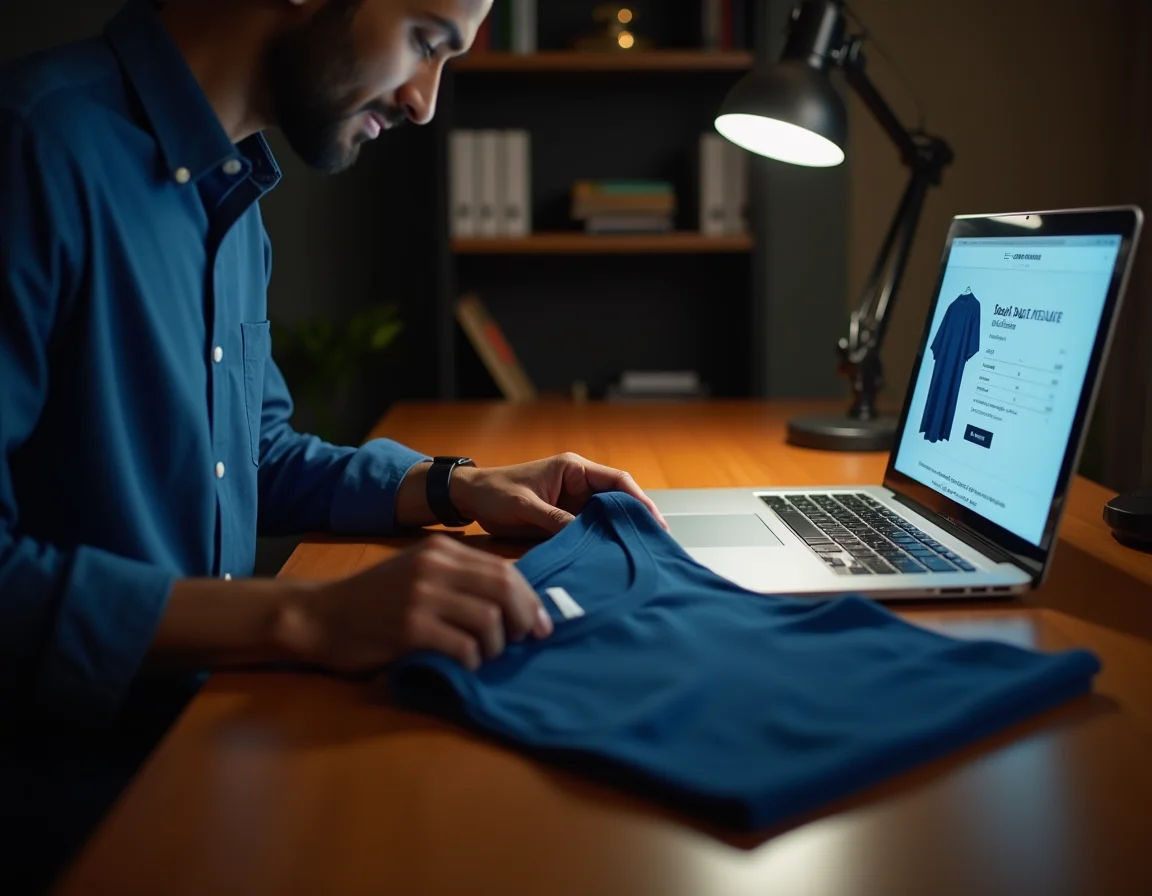
Interpreting Your Results and What to Do Next
Grade 4–5 on Both Tests: Clear to Proceed
The fabric batch is well-dyed and adequately finished. You can proceed confidently with your bulk order and printing run. For printing methods like DTG or DTF that apply water-based inks under heat, a Grade 4–5 fabric will not show dye migration into the ink layer after washing. For screen printing with plastisol inks — which create a physical barrier on the surface — even Grade 3 fabrics are generally workable, though Grade 4 is still preferred.
Grade 3 on Wet-Rub, Grade 4 on Hot-Water Dip: Conditional Acceptance
This combination suggests the fabric has been reasonably finished but not to the highest standard. For event t-shirts, promotional merchandise, or garments sold with a "wash separately, wash inside out" care label, Grade 3 wet-rub is commercially defensible. For anything sold as premium or washed alongside other garments without precautions, push your supplier for a better-finished batch or test additional samples from the same lot.
When evaluating whether to accept borderline-fastness fabric, it is also worth checking stitching integrity — because poor fabric finishing often correlates with other quality shortcuts. Our article on stitching quality checks for bulk orders covers the complementary inspection protocol.
Grade 1–2 on Either Test: Do Not Proceed with This Batch
A Grade 1 or 2 result means there is a significant quantity of unfixed dye in the fabric. No amount of printing will mask this — in fact, printing makes it worse, because many printing processes involve heat and moisture that accelerate dye migration. If you print on this fabric and deliver to an end consumer, the first wash will transfer dark dye onto adjacent light-coloured garments. This is a clear product quality failure.
In this situation, do not accept the batch. Request replacement from your supplier and retest the replacement samples before committing. It is also worth noting that colour-related quality failures in dark shades often connect to choices made before the garment even reaches the dyehouse — yarn quality and GSM affect how evenly the dye penetrates the fibre. Understanding how navy vs black dye behaves differently at the yarn level can help you spec your orders more precisely.
How a Manufacturer's In-House Process Affects Colour Fastness — What to Ask Your Supplier
Colour fastness is not just about which dye class is used. It is the result of an entire process chain — from yarn preparation to dyeing to finishing. When evaluating a t-shirt supplier, these are the process variables that determine fastness outcomes:
- Mercerisation of yarn before dyeing: Mercerised cotton (treated with caustic soda under tension) develops more dye-receptive sites on the fibre surface. Reactive dye bonds more uniformly and deeply on mercerised cotton, reducing the proportion of hydrolysed unfixed dye. Premium combed ring-spun cotton t-shirts — the type used across Sale91.com's product range — use this higher-grade yarn preparation.
- Dye concentration and dyebath temperature control: Dark shades require precise control of the dyebath temperature curve. Too-rapid temperature changes or insufficient dyebath time lead to uneven dye penetration, with more dye remaining on the surface unfixed.
- Post-dyeing soaping sequence: This is the single biggest determinant of final fastness. The industry standard for reactive-dyed cotton requires at least two hot soaping stages (at 90–95°C) with a non-ionic soaping agent, followed by cold rinses. Each stage removes hydrolysed unfixed dye. Cutting this to one stage or lowering the temperature to save energy costs is the most common cause of poor wet fastness on commercially dyed t-shirts.
- Bio-washing (enzyme treatment): Bio-washing improves surface softness and removes surface fibres, which also has a secondary benefit of removing loose surface dye particles. This is why bio-washed t-shirts often perform marginally better on the dry-rub test than non-bio-washed equivalents from the same dyehouse.
When you ask a supplier about colour fastness, do not accept "our t-shirts are good quality" as an answer. Ask specifically: "What is your wet-rub fastness rating for navy and black?" and "How many soaping stages do you run after reactive dyeing?" A manufacturer with proper finishing processes will answer these questions with specific numbers. One that cannot answer is likely not monitoring it.
Which Dark Shades Are Highest Risk — a Practical Ranking
Not all dark shades carry equal bleeding risk. The risk level broadly correlates with the depth of shade (how much dye is required) and the complexity of the dyestuff formulation used. Here is a practical ranking based on how the textile dyeing industry approaches these shades:
| Shade | Relative Bleeding Risk | Why | Testing Priority |
|---|---|---|---|
| Black | Highest | Heaviest dye load of any shade; requires complex multi-dye formulations | Always test |
| Navy Blue | Very High | Deep blue reactive dyes have higher hydrolysis rates than other primaries | Always test |
| Royal Blue | High | Bright blue at high saturation — significant dye load, reactive blue dyes are sensitive | Always test |
| Maroon / Burgundy | High | Red-tone reactive dyes are known for higher washout rates; maroon combines red and navy | Always test |
| Bottle Green / Forest Green | Moderate-High | Mixed dye formulation; green is achieved by combining yellow and blue reactives | Recommended |
| Charcoal Grey | Moderate | Lighter than black but still requires significant dye depth | Recommended |
| Light Grey / Pastels | Low | Low dye concentration; minimal unfixed dye fraction | Spot-check only |
How Colour Bleeding Interacts with Different Printing Methods
DTG (Direct to Garment) Printing
DTG printing on dark shirts requires a white base layer (pre-treatment with white ink) before the colour layer is applied. The pre-treatment solution is water-based. If the dark fabric beneath has poor wet fastness, the pre-treatment stage itself can cause dye migration from the fabric into the pre-treatment layer. This shows up as colour contamination in the white base, which then affects the vibrancy of the final print. Always run a wet-rub test on dark blanks before investing in DTG pre-treatment and printing.
DTF (Direct to Film) Transfer
DTF transfers are pressed onto the fabric using heat and pressure. The adhesive layer bonds to the fabric surface. If the fabric has excess surface dye (poor fastness), the heat from the press can cause dye sublimation effects at the edges of the transfer, creating a halo or shadow around the print design — particularly visible on white or light-coloured designs on dark shirts. Test for hot-water dip fastness specifically before your DTF printing run on dark blanks.
Screen Printing (Plastisol)
Plastisol inks form a physical film on the fabric surface and are less susceptible to dye migration during printing. However, the end consumer's washing behaviour is still your concern — a Grade 2 dark fabric will bleed onto adjacent clothes in the consumer's washing machine, and the complaint will come back to you as the printer or brand. Screen-printed garments with poor underlying fabric fastness still fail in the wash.
Heat Transfer Vinyl (HTV)
HTV presses at high temperatures (typically 150–165°C). Some reactive dyes — particularly certain bright reds and blues — can exhibit thermal migration at sustained temperatures. If you are pressing vinyl onto dark shirts that contain thermally sensitive dyes, the colour can migrate through the vinyl, discolouring it from below. This is a niche failure mode but worth understanding if you work with bright dark shades rather than navy or black.
Watch: Quick Quality Checks for Bulk T-Shirt Buyers
Sourcing Dark Plain T-Shirts with Reliable Colour Fastness — What to Look For
The safest way to reduce colour bleeding risk is to buy from a manufacturer who controls their own fabric quality from fibre to finished garment — not a trader who assembles from multiple unnamed dyehouses. When the manufacturer owns the knitting and has established relationships with specific dyehouses operating to defined quality standards, batch-to-batch fastness consistency is significantly better than spot-buying from the open market.
At Sale91.com, all plain t-shirts — ranging from 180 GSM everyday wear through to 220 GSM heavy-premium — are manufactured from in-house knitted fabric at Tiruppur and held as ready stock (1 lakh+ pieces at any time) at the Delhi warehouse in Khanpur, South Delhi. The bio-wash finish applied to every garment serves a dual purpose: the enzyme treatment smooths the surface fibre and also removes surface-loose dye particles that would otherwise fail a dry-rub test. Combined with ring-spun combed cotton — which accepts reactive dye more uniformly than carded cotton — this reduces the unfixed dye fraction compared with standard market blanks.
If you want to verify fastness before committing to a bulk order, the correct approach is to order a sample (MOQ is as low as 10 pieces for ready-stock items), run both tests described in this article, and then place your full order only after you are satisfied. For orders of 500 pieces or more, you get an additional Rs 2 per piece discount, and there is always a Rs 3 per piece discount for online purchases via Sale91.com at any quantity. First-time buyers can use the 50% COD option (with a 3% COD charge) to test the relationship before going fully prepaid.
Browse the full product catalogue — including all available colours and GSM options — at BulkPlainTshirt.com/catalog/.
Your Pre-Bulk-Order Colour Fastness Checklist
- Cut a 10×10 cm swatch from the body of the sample garment (not seam or hem).
- Perform the wet-rub test: 10 firm rubs with a damp white cotton cloth. Grade the result (target: Grade 4 minimum).
- Perform the hot-water dip test: 3 minutes at 60°C, adjacent white cloth in contact. Grade the dry result (target: Grade 3–4 minimum).
- Compare grades against your end-product requirements (premium brand = Grade 4+; promotional = Grade 3 acceptable).
- If testing acid wash or pigment-dyed blanks: expect Grade 2–3 wet-rub as normal; adjust care label instructions accordingly.
- If result is Grade 1–2 on reactive-dyed fabric: do not proceed; request a replacement batch and retest.
- Document your test results per batch. Keep a dated photo of the white test cloth alongside the swatch — this is your quality record.
Frequently Asked Questions
Ready to Order Dark Plain T-Shirts with Consistent Quality?
Browse 15+ colours including navy, black, maroon and royal blue — 180 to 220 GSM, bio-washed, ring-spun combed cotton, in-house knitted at Tiruppur. MOQ from 10 pieces. Over 1,25,000 pieces shipped in the last 30 days. Order samples first, test them yourself, then bulk up.
Order on Sale91.com →