DTG Print Cracked in 3 Washes? Your Technique Is Wrong!
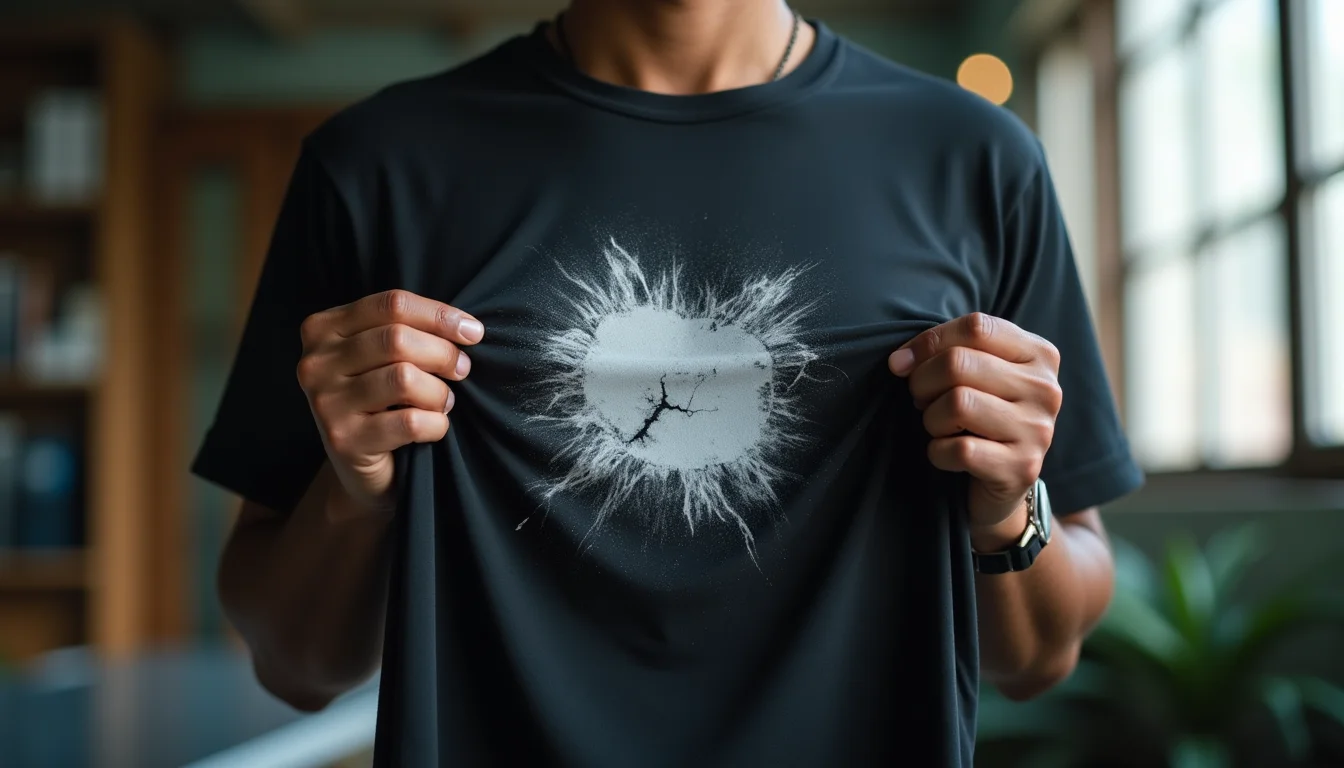
If you're running a custom t-shirt printing business in India, you've probably faced this nightmare scenario: a customer calls you furious because the beautiful print you delivered on a black t-shirt has cracked and faded after just 3 washes. They blame your fabric quality, demand a refund, and threaten to leave bad reviews. But here's the truth that most printing businesses don't want to hear — it's not the t-shirt's fault, it's your printing technique.
This is one of the most common complaints we receive at Sale91.com, India's leading B2B plain t-shirt manufacturer. Over the years, we've supplied over 1 lakh+ pieces of premium quality blank t-shirts to custom printing businesses across the country, and we've seen this pattern repeat itself countless times. The fabric we manufacture is 100% cotton, bio-washed, pre-shrunk, and made from ring-spun combed cotton — it's designed specifically to hold prints beautifully. Yet, prints still crack and fade. Why? Because printing on dark fabrics like black, navy blue, or charcoal requires a completely different approach than printing on white or light-colored garments.
The Real Story Behind Print Cracking on Black T-Shirts
Let me share a real incident that happened recently. A DTG printer from Mumbai called us complaining that our black t-shirts were "rejecting" the print. He said the design looked perfect right after printing, but after 3 washes, the colors started peeling off like old paint from a wall. When we asked him about his pre-treatment process, there was silence on the other end. "Pre-treatment? What's that?" he finally asked.
That's when we realized the core issue. Many printing business owners invest lakhs in DTG printers, DTF machines, or screen printing equipment, but they skip learning the fundamentals of garment preparation and curing. They assume that if the machine is expensive and the t-shirt is good quality, everything will work out automatically. But garment printing is a science, not magic.
Why Dark Garments Are Different From Light Ones
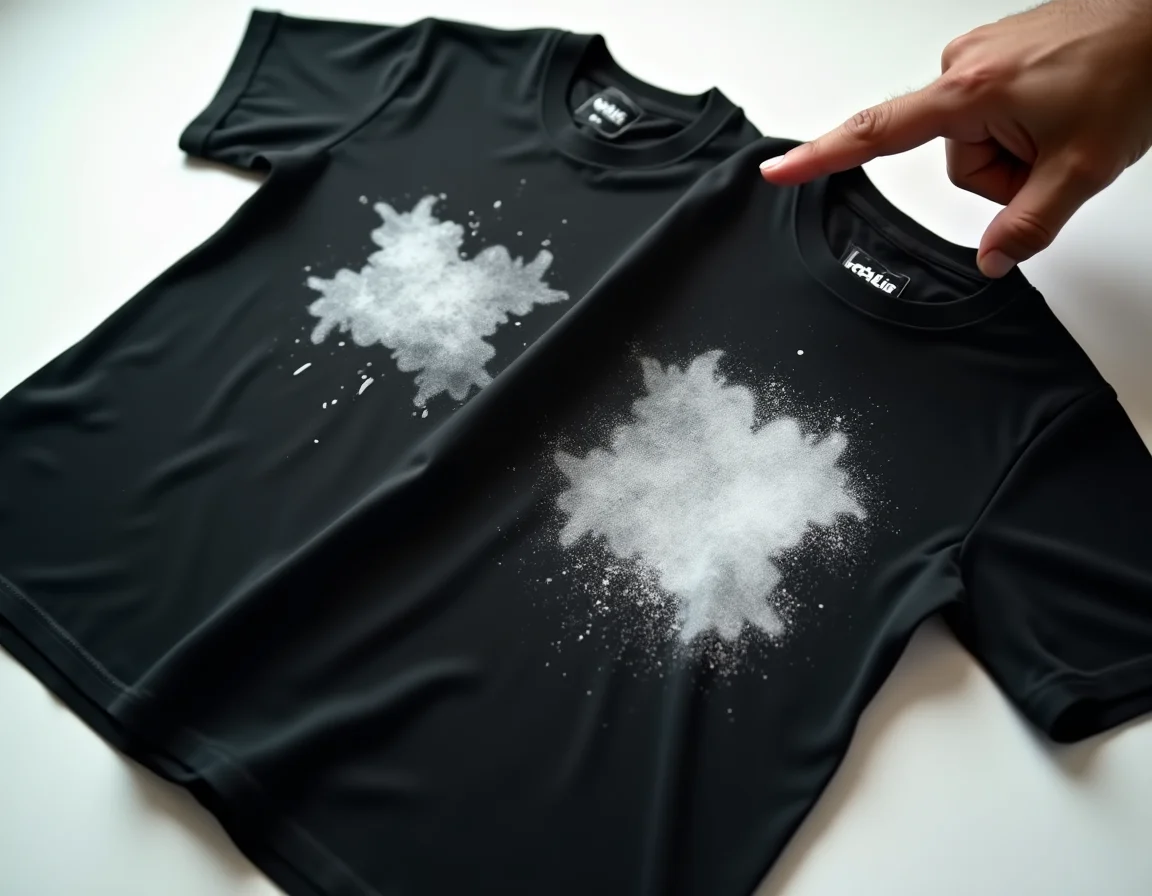
When you print on a white or light-colored t-shirt, the ink sits directly on the fabric surface. The light background allows the colors to show through vividly without much intervention. But when you're working with black or dark fabrics, there's a fundamental problem: dark colors absorb light and ink. If you try to print colored ink directly on a black t-shirt, the colors will appear dull, muddy, or completely invisible.
To solve this, printing technologies use a white ink base layer. This white layer acts like a canvas, giving your colored inks something bright to sit on so they can display their true colors. But here's where most businesses go wrong — they either skip the white base, apply it too thinly, or don't prepare the fabric properly to receive it.
Understanding the Role of White Ink Underbase
Think of the white underbase like a primer before painting a wall. If you try to paint a dark wall with bright colors without primer, you'll need multiple coats and the colors still won't look right. The same principle applies to garment printing. The white ink layer needs to be:
- Thick enough to create a proper barrier between the dark fabric and colored ink
- Evenly applied so there are no thin spots where the black fabric shows through
- Properly cured so it bonds with the fabric fibers permanently
- Well-prepared with pre-treatment solutions that help the ink adhere to the garment
DTG Printing on Black T-Shirts: The Correct Process
Direct-to-Garment (DTG) printing is one of the most popular methods for custom t-shirt businesses today because it allows for photo-quality prints with unlimited colors. However, DTG printing on dark garments has a specific workflow that cannot be skipped or shortcuts taken.
Step 1: Pre-Treatment Application
Pre-treatment is a chemical solution that you spray or apply to the t-shirt before printing. It serves multiple critical functions:
- It creates a receptive surface for the white ink to bond with
- It prevents the ink from soaking too deep into the fabric fibers
- It helps maintain color vibrancy and print durability
- It reduces the amount of white ink needed, saving costs
Common mistakes in pre-treatment:
- Skipping it entirely (the most fatal mistake)
- Applying too much, which causes a stiff, cardboard-like feel
- Applying too little, which causes poor ink adhesion
- Not applying it evenly, creating patchy areas where ink won't stick
- Not allowing it to dry completely before printing
The correct amount of pre-treatment varies by fabric type and GSM. For our 180 GSM t-shirts at Sale91.com, you need approximately 15-18 grams of pre-treatment solution per shirt. For thicker 220 GSM premium t-shirts, you might need up to 22 grams. Use a digital scale to measure this precisely in the beginning until you develop a feel for it.
Step 2: Heat Pressing to Dry Pre-Treatment
After applying pre-treatment, you must heat press the garment at approximately 170°C (340°F) for about 30 seconds. This serves two purposes: it dries the pre-treatment and creates a smooth, flat surface for printing. If you skip this step and print on wet pre-treatment, you'll get smudging and poor color reproduction.
Step 3: White Ink Base Layer
This is where your DTG printer lays down the white ink. Most modern DTG printers have automatic underbase settings, but you need to configure them correctly. The white ink layer should be opaque enough that you cannot see the black fabric through it. Many printers make the mistake of setting the white ink too light to save on ink costs, but this is penny-wise and pound-foolish — you'll end up with faded prints and unhappy customers.
Step 4: CMYK Color Layer
Once the white base is down, the printer applies the colored CMYK inks on top. This happens in the same print pass on most DTG machines. The colors sit on the white base, which is why they appear vibrant and true to your design.
Step 5: Curing
The final and perhaps most critical step is curing. You need to heat the printed garment at the correct temperature (usually 160-170°C or 320-340°F) for the correct duration (typically 2-3 minutes in a heat press or 3-4 minutes in a conveyor dryer). This heat causes a chemical reaction that bonds the ink polymers to the fabric fibers permanently.
Under-curing is the #1 reason prints crack and wash off. If you cure at too low a temperature or for too short a time, the ink sits on the surface like a sticker instead of bonding with the fabric. The first few washes will peel it right off.
Screen Printing on Black T-Shirts: The Underbase Technique
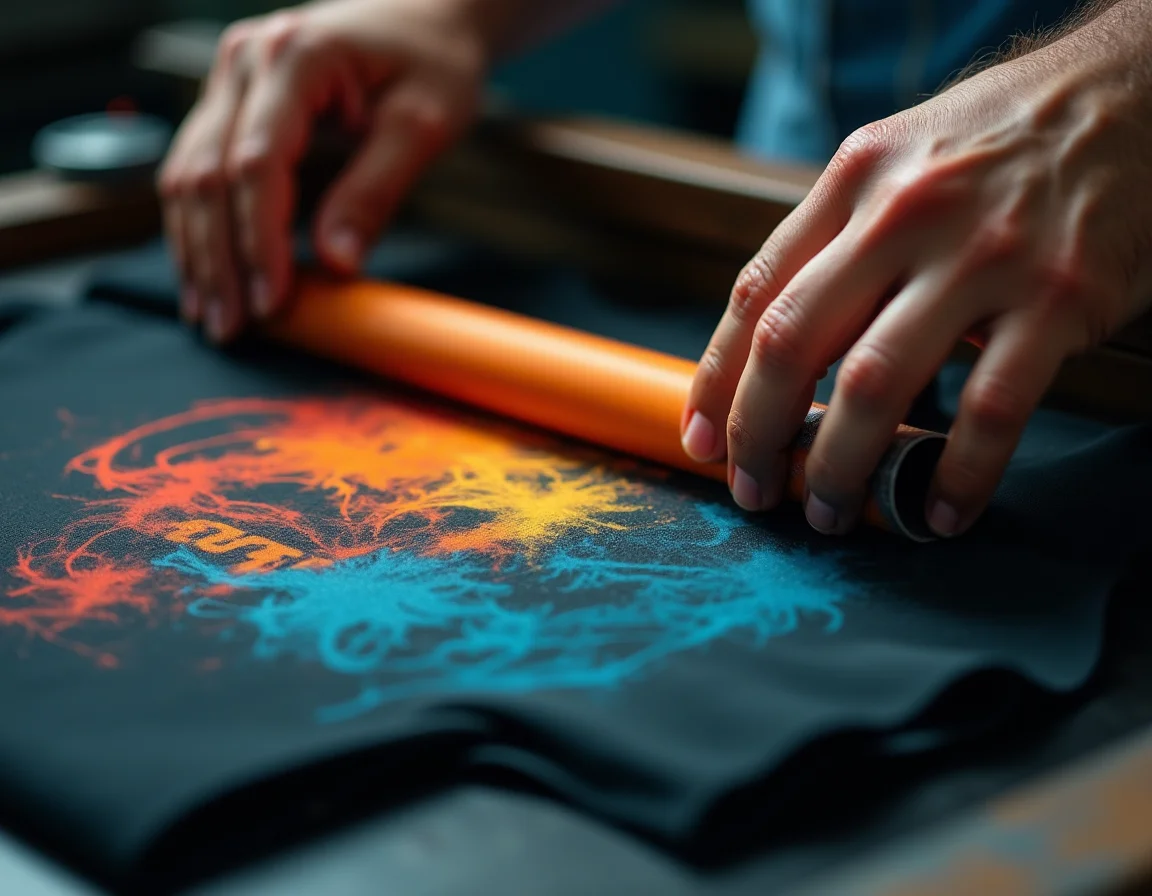
Screen printing is still the king of bulk custom t-shirt production in India, especially in Tiruppur where we manufacture our garments. It's cost-effective for large orders and produces extremely durable prints when done correctly. But just like DTG, screen printing on dark garments requires the white underbase technique.
The Traditional Underbase Method
Here's the correct screen printing process for dark garments:
- Print white ink underbase: Using a lower mesh count screen (typically 110-160 mesh), print a solid layer of white plastisol or water-based white ink on the areas where your design will be
- Flash cure the underbase: Pass the garment under a flash cure unit or use a heat gun to partially cure the white ink. It should be dry to the touch but not fully cured
- Print color layers: Now print your colored inks on top of the white base. The colors will appear vibrant and true because they're sitting on white
- Final cure: Pass the garment through a conveyor dryer at 320-330°F (160-165°C) for 60-90 seconds, or heat press for 3-4 minutes
Common Screen Printing Mistakes on Dark Fabrics
Mistake #1: Skipping the flash cure step
If you print the color layer on top of wet white ink, the colors will mix and muddy. The white ink can also bleed through your colored inks, creating a washed-out look.
Mistake #2: Under-curing the final print
Many small printing businesses use lower temperatures to save time or because they're afraid of scorching the fabric. But if you're using quality pre-shrunk, bio-washed t-shirts from our catalog, they can easily handle 320-330°F without damage. Under-curing at 280-300°F will result in prints that crack in the first wash.
Mistake #3: Using the wrong mesh count
For white underbase on dark garments, you need a lower mesh count (110-160) to allow thick ink deposits. Many printers use the same 200+ mesh screens they use for light garments, resulting in a thin, inadequate white base.
Mistake #4: Poor registration
If your color screens aren't perfectly aligned with your white underbase, you'll get white halos around your design or colors that look off-register. This is especially visible on dark fabrics.
DTF Printing: The Easiest Option for Dark Garments
Direct-to-Film (DTF) printing has revolutionized the custom printing industry in the last few years, especially for small businesses and startups. Unlike DTG and screen printing, DTF doesn't print directly on the fabric. Instead, you print on a special film, apply adhesive powder, cure it, and then heat transfer it onto the garment.
Why DTF Has Fewer Problems on Dark Fabrics
The beauty of DTF is that the white layer is built into the film transfer itself. When you print a design, the printer automatically lays down white ink where needed, and this becomes part of the transfer. When you heat press it onto a black t-shirt, you're essentially applying a complete, pre-made sticker with its own white backing.
This eliminates most of the variables that cause problems in DTG and screen printing:
- No pre-treatment needed
- No concerns about white ink opacity or coverage
- Consistent results regardless of fabric color
- Same process for light and dark garments
But DTF Still Requires Proper Technique
Don't think DTF is foolproof, though. We still see print failures with DTF, usually due to these mistakes:
Incorrect heat press temperature: DTF transfers require 165°C (330°F) as a minimum. Some businesses use lower temperatures thinking it's safer, but this prevents proper adhesion. The adhesive powder needs to melt completely and bond with the fabric fibers.
Insufficient pressure: DTF requires firm, even pressure across the entire design. If your heat press has weak pressure or uneven heating elements, parts of the transfer won't adhere properly and will peel off after washing.
Insufficient time: You need to press for at least 15 seconds, preferably 15-20 seconds. Quick 10-second presses might look okay initially but won't create a durable bond.
Peeling the film while hot: Most DTF films are "cold peel," meaning you need to wait until the transfer cools down completely before peeling off the film. Peeling while hot can pull up parts of the design.
The Fabric Matters Too: Why Quality T-Shirts Make a Difference
While technique is the primary factor in print durability, the quality of your blank t-shirts does play a supporting role. This is why thousands of printing businesses across India trust our manufacturing at Sale91.com.
Ring-Spun Combed Cotton vs. Regular Cotton
All our t-shirts are made from ring-spun combed cotton, which means:
- Combed: Short fibers are removed, leaving only long, uniform fibers that create a smoother surface
- Ring-spun: The cotton is spun using a traditional ring-spinning method that twists and strengthens the fibers
This results in a t-shirt surface that's smoother and more uniform — ideal for accepting prints. Cheaper carded cotton or open-end cotton has a rougher, more inconsistent surface that can cause patchy ink adhesion.
Bio-Washed for Print Readiness
Our bio-washing process uses enzymes to remove loose fibers and excess lint from the fabric surface. This serves two important functions for printing:
- Creates an ultra-smooth surface with no fiber "hairs" to interfere with print quality
- Removes natural oils and impurities that can repel ink or pre-treatment solutions
When a printing business complains about pre-treatment not absorbing evenly or ink not adhering properly, 80% of the time it's technique, but 20% of the time it's because they're using cheap, unwashed fabric with too much surface lint and oils.
Pre-Shrunk to Prevent Post-Print Distortion
Our pre-shrinking process means the fabric has already done 95% of its shrinking before you print on it. This is critical because if a t-shirt shrinks significantly after you've printed on it, the print can crack, distort, or develop wrinkles. With pre-shrunk fabric, what you print is what the customer will wear for years to come.
GSM Selection for Different Printing Methods
We manufacture t-shirts in 180, 200, 210, and 220 GSM. Here's how to choose for different printing applications:
180 GSM: Best for DTF printing and light screen printing. The thinner fabric requires less heat to cure and is ideal for hot climates where people prefer lighter garments. It's also the most economical option for startups testing the market.
200-210 GSM: The sweet spot for DTG printing and multi-color screen printing. Thick enough to handle heavy ink loads without showing through on the inside, but not so thick that curing becomes difficult. This is our most popular GSM for established printing businesses.
220 GSM: Premium thickness ideal for high-end fashion brands and oversized t-shirt printing. The thick fabric gives a luxurious feel and drapes beautifully. Great for screen printing with heavy underbase and multiple color layers. Requires slightly higher curing temperatures and longer times.
Real-World Troubleshooting: Common Scenarios and Solutions
Scenario 1: "Print looks great when new but cracks after 3-5 washes"
Diagnosis: Under-cured ink. The ink appears bonded but hasn't achieved full polymerization.
Solution: Increase your curing temperature by 10-20°F or increase curing time by 30 seconds. Verify your heat press temperature with an infrared thermometer — many cheap heat presses have inaccurate temperature displays.
Scenario 2: "Colors look dull or muddy on black t-shirts"
Diagnosis: Inadequate white underbase or no underbase at all.
Solution: For DTG, increase white ink density settings in your RIP software. For screen printing, use a lower mesh count (110-160) for the white underbase and do a second pass if needed to build up opacity. For DTF, ensure your printer settings include white ink underlayer for all colored areas.
Scenario 3: "Print feels too thick and stiff, customers complain"
Diagnosis: Excessive pre-treatment in DTG or too much ink deposit in screen printing.
Solution: For DTG, reduce pre-treatment amount to 15-18g per shirt and ensure even application with a proper spray system. For screen printing, use higher mesh counts for color layers (200-230 mesh) and only use thick deposits for the white underbase.
Scenario 4: "Print peels off in one piece like a sticker"
Diagnosis: Severe under-curing or printing on fabric with surface contamination.
Solution: Ensure fabric is clean and dry before printing. Increase curing temperature to at least 320°F for plastisol or follow manufacturer recommendations for water-based and discharge inks. Consider that your heat press might be malfunctioning — test with heat strips or temperature-indicating labels.
Watch the Video: Expert Explanation
For a quick visual explanation of why prints crack on black t-shirts and how to fix it, watch our detailed video breakdown:
Frequently Asked Questions
Ready to Print on Premium Quality Plain T-Shirts?
Stop blaming the fabric and start using t-shirts specifically manufactured for professional printing. Our 100% cotton, bio-washed, pre-shrunk, ring-spun combed cotton t-shirts are trusted by thousands of printing businesses across India.
1,25,232+ pieces sold in last 30 days
✓ 1 lakh+ ready stock in 15+ colors
✓ GSM options: 180, 200, 210, 220
✓ MOQ: Just 10 pieces
✓ Rs 3/pc online discount on all orders
✓ Rs 2/pc extra discount on 500+ pieces
✓ 50% COD available for first-time buyers
Final Thoughts: Master the Technique, Not Just the Machine
The Indian custom printing industry is booming, with new businesses launching every month. But success in this field doesn't come from just buying expensive equipment — it comes from mastering the fundamentals of garment preparation, ink application, and curing. Whether you're doing DTG, DTF, or screen printing, the principles remain the same: prepare the fabric properly, apply adequate white underbase on dark garments, and cure at the correct temperature for the correct duration.
When you combine proper technique with quality blank t-shirts manufactured specifically for printing, you'll produce garments that your customers will love and wear for years. The print won't crack, colors won't fade, and your reputation will grow through word-of-mouth referrals from satisfied customers.
At Sale91.com, we're not just selling t-shirts — we're partnering with printing businesses to help them succeed. That's why we manufacture our own fabric in Tiruppur, maintain massive ready stock in Delhi, offer the lowest MOQ in the industry, and provide educational content like this to help you avoid common mistakes.
So the next time a print cracks on a black t-shirt, don't blame the fabric. Check your pre-treatment. Check your white underbase. Check your curing temperature and time. Master these fundamentals, and you'll never face a complaint about print durability again.
Order your plain black t-shirts from our catalog and experience the difference quality fabric makes when combined with proper printing technique.