White DTF Print Peeling? This Temperature Mistake Ruins Everything
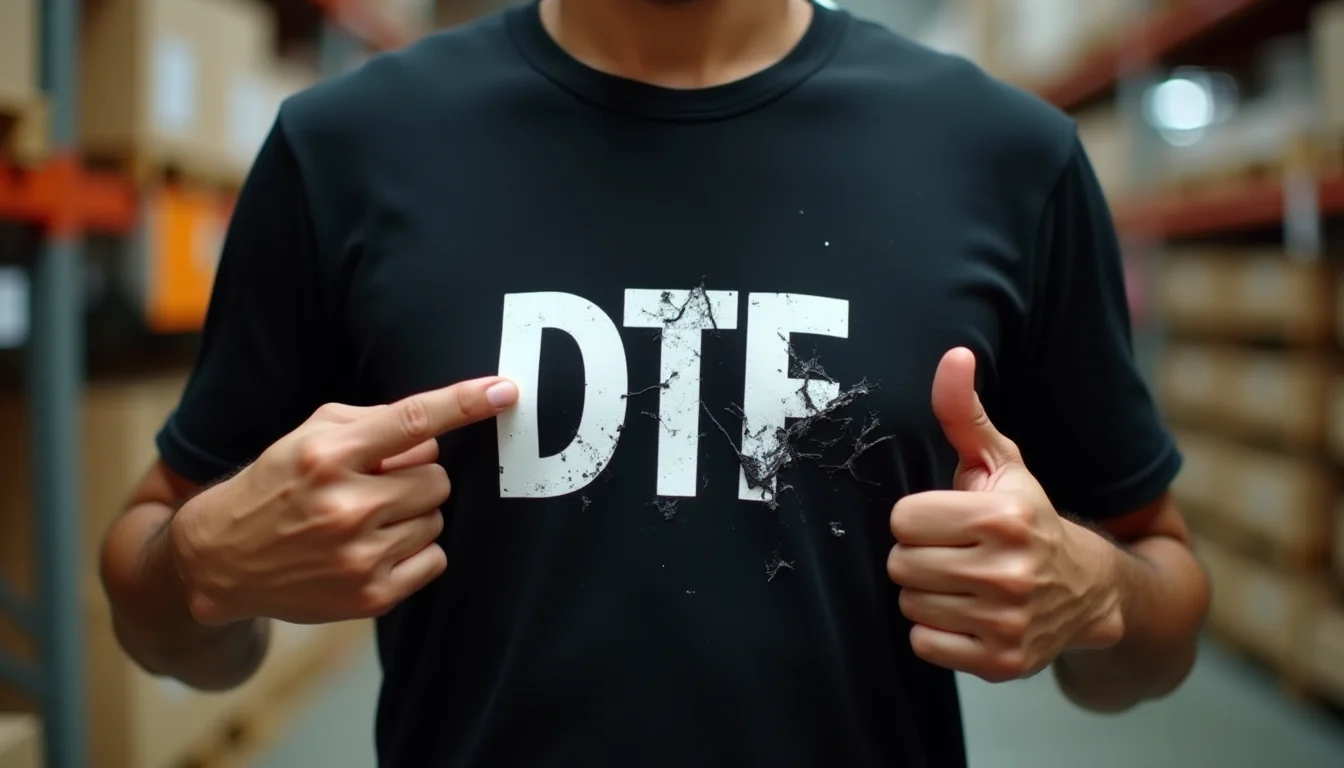
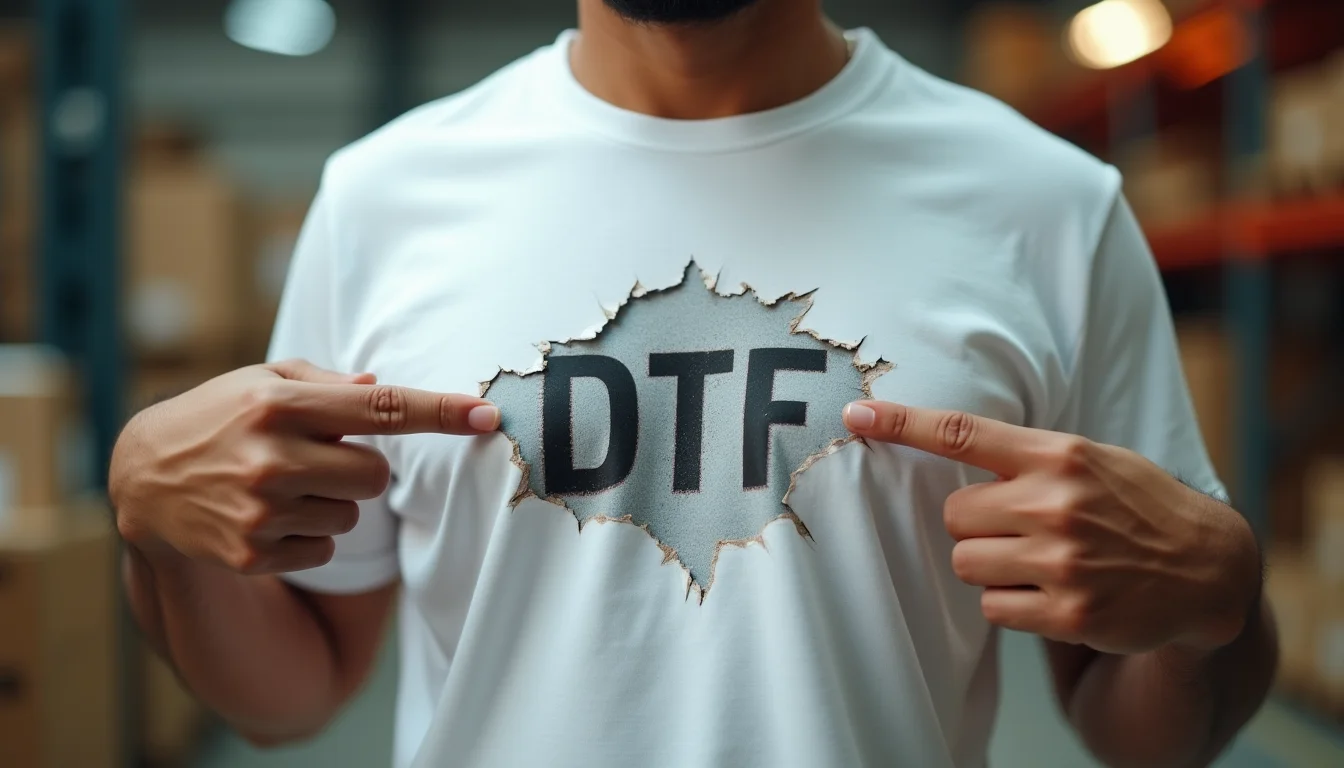
If you're running a custom printing business in India, you've probably faced this frustrating problem: a customer calls back complaining that the beautiful white DTF print you applied on their black t-shirt started peeling off after just a few washes. Sound familiar? This is one of the most common issues in DTF (Direct-to-Film) printing, and the culprit is almost always a simple temperature mistake that most printers don't even realize they're making.
Recently, one of our clients at Sale91.com reached out with exactly this problem. He was doing white DTF transfers on our black 220 GSM bio-washed t-shirts and getting complaints about peeling after 3-4 washes. When we dug deeper into his process, we found the issue immediately—and it's something that affects hundreds of printing businesses across India.
The Real Problem: Why White DTF Prints Peel on Black T-shirts
DTF printing has revolutionized the custom printing industry, especially for small to medium businesses. Unlike DTG (Direct-to-Garment) printing, DTF allows you to print vibrant designs on any fabric color, including dark fabrics. However, white ink on black fabric presents unique challenges that many printers underestimate.
When our customer explained his issue, the first question we asked was: "What temperature are you using for powder curing?" His answer was 160 degrees Celsius. Right there was the problem.
Understanding DTF Powder Adhesion
In DTF printing, the process involves printing your design onto a special film, then applying a hot-melt adhesive powder over the wet ink. This powder needs to be melted at the right temperature to create a strong bond between the transfer and the fabric. But here's what most people don't realize: black fabric absorbs more heat than lighter colors.
When you're working with white DTF print on black fabric, you're dealing with two factors:
- Higher ink opacity requirements: White ink needs to be laid down thicker to show up properly on black fabric
- Greater heat absorption: Black fabric absorbs more thermal energy, meaning the surface temperature is lower than what your heat press gauge shows
- Powder penetration depth: The adhesive needs to penetrate deeper into the fabric fibers for permanent bonding
- Pressure distribution: Heavier fabric like our 220 GSM premium cotton requires more pressure to ensure even adhesive distribution
The Correct Temperature Settings for White DTF on Black Fabric
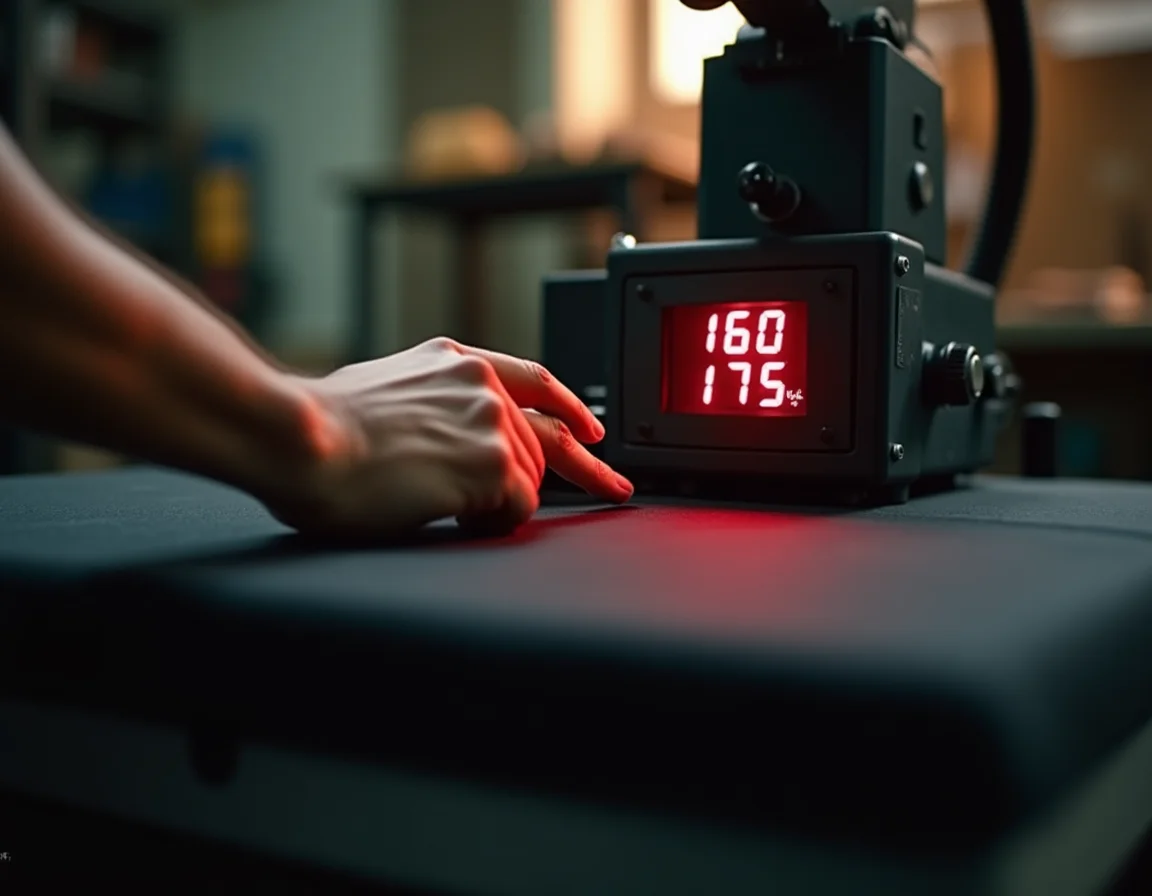
At 160 degrees Celsius, the adhesive powder doesn't melt completely. It only sticks to the surface of the fabric rather than penetrating the fibers. This creates a weak bond that might survive the first couple of washes but will inevitably start peeling as the mechanical action of washing loosens the surface adhesion.
Recommended Temperature Range
For white DTF prints on black t-shirts, especially on premium fabrics like the ones we manufacture at Sale91.com, you need to maintain a minimum temperature of 170-175 degrees Celsius. Here's why this range works:
"The higher temperature ensures complete melting of the adhesive powder while accounting for the heat absorption properties of black fabric. This creates a chemical bond rather than just a surface stick."
However, temperature alone isn't the complete solution. You also need to consider:
- Fabric GSM: Heavier fabrics (220 GSM vs 180 GSM) require slightly longer press times
- Cotton quality: Ring-spun combed cotton (like all our products) has tighter fibers that need proper heat penetration
- Bio-wash treatment: Bio-washed fabrics have smoother surfaces that can affect adhesive bonding
- Pre-shrunk fabric: Pre-shrunk t-shirts are more stable and provide better long-term adhesion
Pressure and Timing: The Missing Pieces
Temperature is only one part of the equation. Many printing businesses get the temperature right but still face peeling issues because they underestimate the importance of pressure and dwell time.
The Pressure Factor
If you're giving less than 6-7 seconds in the heat press with inadequate pressure, the adhesive won't penetrate the fabric properly. Think of it like this: the adhesive powder is sitting on top of thousands of tiny cotton fibers. Without enough pressure, it can't push down between those fibers to create mechanical interlocking.
For white prints on black fabric, use medium to heavy pressure. If your heat press has a pressure gauge, aim for 40-60 PSI. If it's a manual adjustment, set it so that you need to apply firm downward force to close the press—it shouldn't close effortlessly.
Optimal Timing
The standard 6-7 second press time works for lighter fabrics and standard colors. But for white on black, you need to extend this to 10-12 seconds minimum. This extended time allows:
- Complete melting of the adhesive powder throughout its thickness
- Heat to penetrate through the thicker ink layer of white prints
- The adhesive to flow into the fabric structure rather than just coating the surface
- Proper bonding despite the heat absorption of black fabric
Step-by-Step: Perfect DTF Transfer Settings for Black T-shirts
Based on our experience working with thousands of custom printing businesses across India who use our blank t-shirts from our product catalog, here's the exact process that eliminates peeling:
Pre-Press Preparation
- Fabric inspection: Ensure your black t-shirt is completely dry and free from any moisture
- Pre-heat the garment: Give it a 3-5 second press to remove any moisture and wrinkles
- Check your DTF transfer: Make sure the powder is evenly distributed and properly cured on the film
- Positioning: Place the transfer exactly where you want it—you won't get a second chance
Main Press Settings
- Temperature: 170-175°C (340-350°F)
- Pressure: Medium-Heavy (40-60 PSI or firm manual pressure)
- Time: 10-12 seconds for 180-200 GSM, 12-15 seconds for 220 GSM
- Peel method: Hot peel for most DTF films (check your film manufacturer's recommendation)
Post-Press Care
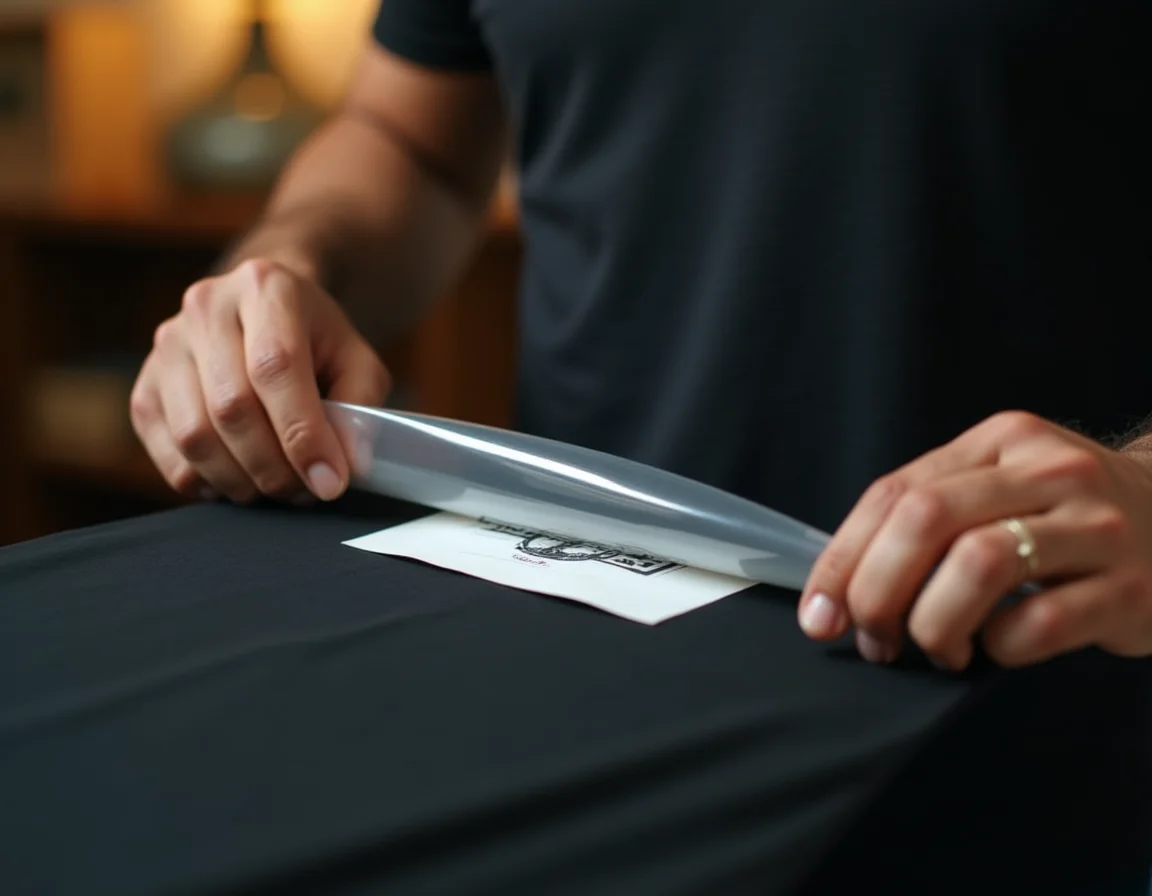
After pressing, don't immediately stretch or fold the garment. Let it cool completely for at least 2-3 minutes. This cooling period allows the adhesive to fully set and create maximum bond strength.
Why Fabric Quality Matters for DTF Printing Success
While we've focused on temperature and pressure, the quality of your blank t-shirts plays a massive role in DTF printing success. This is something we emphasize constantly to our B2B customers who order from us in bulk.
Bio-Washed Fabric Benefits
All our t-shirts at Sale91.com are bio-washed, which means they've been treated with special enzymes that:
- Remove excess lint and loose fibers that can interfere with adhesive bonding
- Create a smoother, more consistent surface for printing
- Reduce pilling and surface irregularities that can cause uneven adhesion
- Improve the overall hand feel while maintaining printing compatibility
Pre-Shrunk Stability
Pre-shrunk fabric is crucial for DTF printing. When fabric shrinks during washing, it can stress the adhesive bond and cause cracking or peeling. Our pre-shrunk t-shirts ensure that what you print stays intact through multiple wash cycles.
Ring-Spun Combed Cotton Quality
We use only ring-spun combed cotton in our manufacturing. This premium yarn type offers:
- Tighter, more uniform fiber structure for better adhesive penetration
- Smoother surface that reduces the risk of air pockets under transfers
- Superior durability that matches the longevity of quality DTF prints
- Better color consistency across batches
Common Mistakes That Cause DTF Peeling
Beyond temperature issues, here are other mistakes we've seen printing businesses make:
1. Inconsistent Pressure Across the Platen
Many heat presses apply uneven pressure, especially older or poorly maintained machines. This creates areas where the adhesive doesn't bond properly. Always check your pressure distribution by doing test presses with heat-sensitive paper.
2. Rushing the Cooling Process
Immediately packaging or folding printed garments is a recipe for disaster. The adhesive is still in a semi-molten state and needs time to solidify completely.
3. Using Low-Quality DTF Film or Powder
Not all DTF consumables are created equal. Cheap powder might require higher temperatures or may never bond properly regardless of your settings. Invest in quality materials—it's much cheaper than handling return complaints.
4. Not Adjusting for Fabric Weight
A 180 GSM t-shirt and a 220 GSM t-shirt need different settings. The heavier fabric requires more time and pressure to achieve the same results. Always adjust your parameters based on GSM.
5. Ignoring Humidity Conditions
High humidity can affect DTF powder curing and fabric moisture content. If you're in a humid climate (like many parts of India during monsoon), you may need to extend your pre-press time or even increase temperature by 5 degrees.
Testing Your Settings: A Simple Method
Don't wait for customer complaints to know if your settings are wrong. Here's a simple test you can do:
- Apply a white DTF print to a black t-shirt using your current settings
- Let it cool completely, then wash it in a machine at 40°C (normal wash temperature)
- After washing, try to peel the edge of the print with your fingernail
- If it lifts easily or shows any separation, your settings need adjustment
- Repeat the test after adjusting temperature up by 5-degree increments
A properly bonded DTF print should be nearly impossible to peel intentionally. The print should feel like it's part of the fabric, not something sitting on top of it.
Watch the Full Video Explanation
Want to see this problem and solution explained in detail? Watch our video where we walk through the exact customer scenario and demonstrate the correct settings:
Industry Standards and Best Practices
The custom printing industry in India has grown exponentially in recent years. From small home-based operations to large printing facilities, everyone is looking for that perfect print that lasts. Here are some industry-standard practices that successful printing businesses follow:
Quality Control Checkpoints
- Daily equipment calibration: Check your heat press temperature with an infrared thermometer
- Pressure verification: Use test strips to ensure even pressure distribution
- Sample testing: Always do a test print on scrap fabric before starting a large order
- Wash testing: Randomly select finished pieces for wash durability testing
Documentation for Consistency
Create a settings chart that documents successful parameters for different combinations:
- White on black - 180 GSM
- White on black - 200 GSM
- White on black - 220 GSM
- Color on white fabric
- Color on colored fabric
This ensures consistency even when different operators use your equipment.
Why Bulk Plain T-shirt Quality Matters for Your Business
As a custom printing business, your final product is only as good as the blank t-shirt you start with. This is why choosing the right supplier is crucial. At Sale91.com, we manufacture all our own fabric—we're not traders or resellers. This means:
- Consistent quality: Every batch meets the same standards because we control the entire knitting process
- Print-friendly fabric: We understand printing requirements and design our fabric accordingly
- Proper GSM: Our 180, 200, 210, and 220 GSM options are accurate, not approximations
- Ready stock: With over 1 lakh pieces in ready stock, you never face delays
- Competitive pricing: Direct manufacturer pricing with bulk discounts available
With over 1,25,232+ pieces sold in the last 30 days, we're trusted by printing businesses across India and internationally for our quality and reliability.
Get Premium Quality Blank T-shirts for Your Printing Business
Whether you're doing DTF, DTG, screen printing, or heat transfer, our bio-washed, pre-shrunk, ring-spun cotton t-shirts provide the perfect canvas for your designs. Available in 15+ colors, multiple GSM options, and MOQ as low as 10 pieces.
Order Now from Sale91.com