Free B2B Ecommerce Website for T-Shirt Business in 5 Seconds — mrch.in Full Tutorial 2026

In today's competitive textile and printing industry, having your own professional B2B ecommerce website isn't just a luxury—it's a necessity. But what if you could launch a fully functional, feature-rich online store in just 5 seconds, completely free of charge? That's exactly what we're making possible with our new platform, mrch.in.
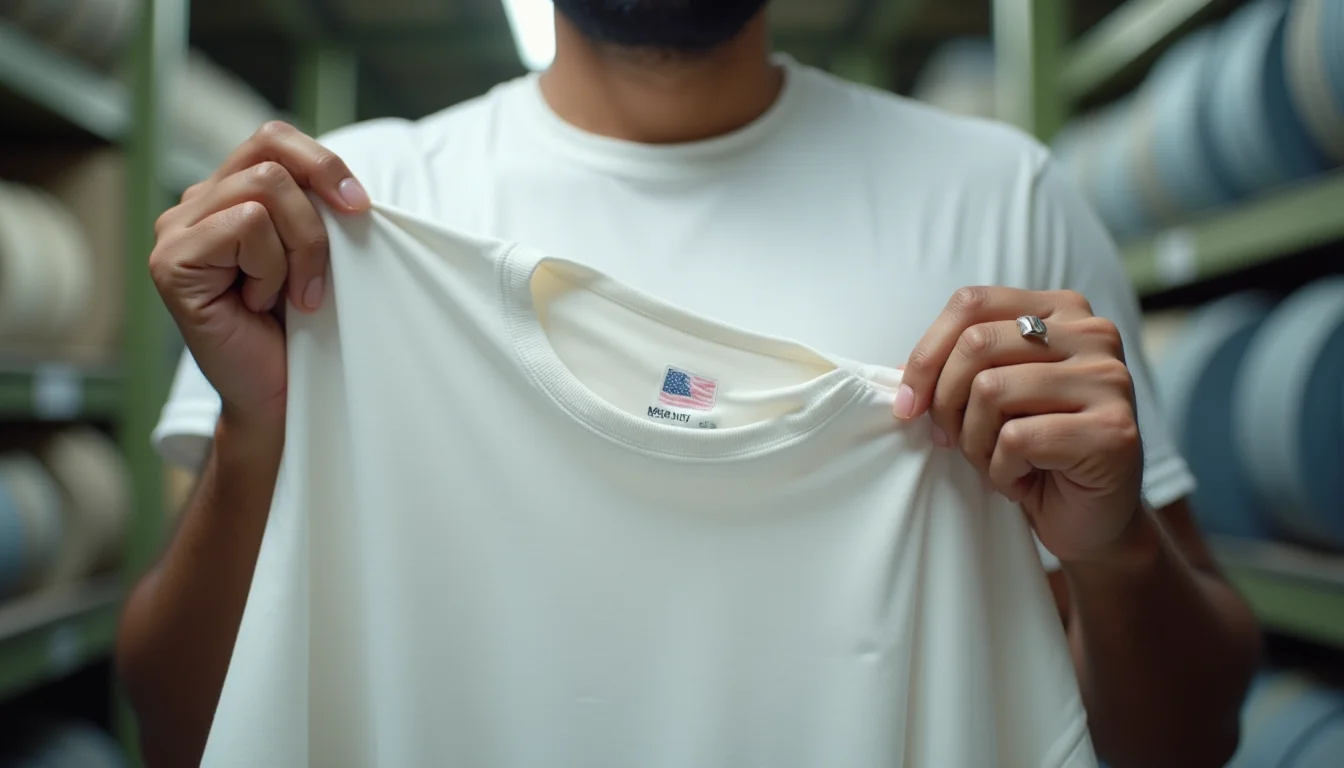
As the team behind Sale91.com, India's leading wholesale plain t-shirt manufacturer based in Tiruppur, we've spent nearly a decade perfecting our B2B ecommerce engine. We've processed over 1,25,232 pieces in the last 30 days alone, and our system handles everything from inventory management to payment processing seamlessly. Now, we're giving you access to this same powerful engine—absolutely free.
Why We're Offering This Tool for Free
Many people ask us: "Why would you give away something that web developers charge ₹5,000 to ₹50,000 to build?" The answer is simple and strategic. We're a manufacturer first, and our business thrives when more people sell plain t-shirts and blank apparel. If even 2 out of every 10 users who set up websites through mrch.in end up selling our products, it's a win-win situation. You get a professional platform to grow your business, and we expand our distribution network across India and beyond.
This isn't charity—it's a smart business model that empowers entrepreneurs while growing our own reach. We've invested years in developing a robust system, and sharing it costs us virtually nothing while potentially creating hundreds of new business partnerships.
What You Get With mrch.in
When you sign up for mrch.in, you're not getting a basic template website. You're getting a complete B2B ecommerce solution that includes:
- Instant Website Deployment: Your professional website goes live in 5 seconds with a custom subdomain (example: yourbrand.mrch.in)
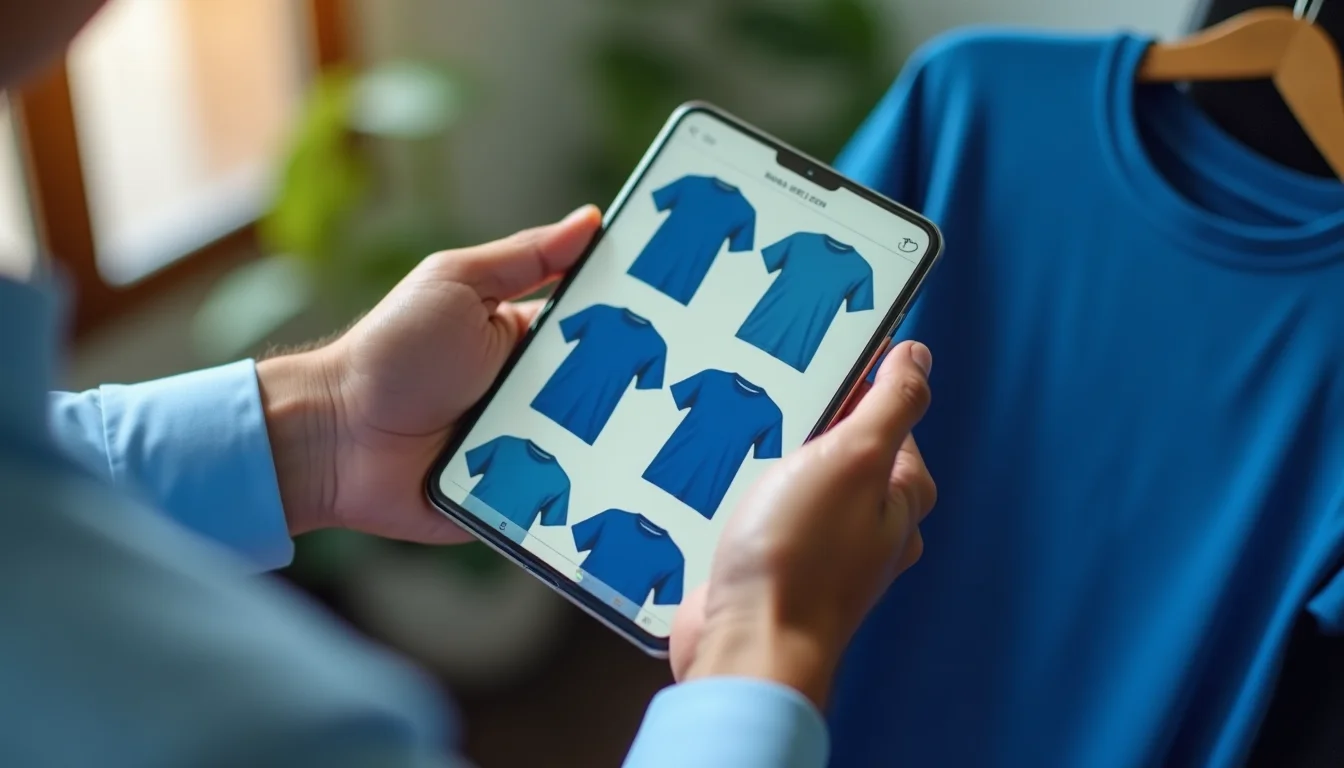
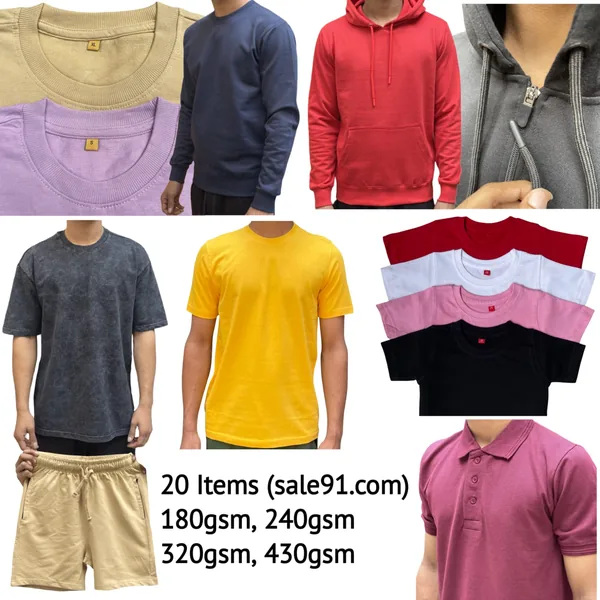
- Pre-loaded Product Catalog: Access to 20+ ready-to-sell plain t-shirt products from Sale91.com's catalog, automatically synced and updated
- Custom Product Addition: Add your own products, whether they're custom printed tees, hoodies, or any other merchandise
- Printer Supplies Section: Built-in inventory for DTF supplies, sublimation ink, heat press machines, and other printing equipment
- Razorpay Integration: Connect your own Razorpay account to receive payments directly (no middleman taking cuts)
- Custom Domain Support: Connect your own domain name (like yourbrand.com) to create a fully branded experience
- Order Management Dashboard: Track all orders, manage inventory, and monitor your business in real-time
- Margin Customization: Set your own profit margins on every product—default is ₹12 per piece, but you can adjust per product category
- Mobile-Responsive Design: Your website looks professional on desktop, tablet, and mobile devices
- WhatsApp Integration: Connect your business WhatsApp number for direct customer communication

Step-by-Step Setup Guide
1. Creating Your Account (0-45 seconds)
Getting started is remarkably simple. Visit www.sale91.com and look for the "Free B2B Website" link, or go directly to mrch.in. Click on the signup button and enter your email address. You'll receive a verification email instantly. Click the verification link, and you're in. The entire process takes less than a minute.
2. Setting Up Your Brand Identity (45 seconds - 2 minutes)
Once logged in, you'll be prompted to enter your brand name. This becomes part of your subdomain URL. For example, if you enter "t2prints" as your brand name, your website will be accessible at t2prints.mrch.in. Choose something memorable, professional, and related to your business. You can change this later, but it's best to get it right from the start.
3. Creating Your Website (2-2.5 minutes)
After setting your brand name, simply click the "Create Website" button. In literally 5 seconds, your complete B2B ecommerce website is deployed and live on the internet. You'll immediately see your dashboard with three product lines already configured.
4. Understanding Your Three Product Lines (2.5-4 minutes)
Your new website comes with three distinct product categories:
Line 1: Sale91.com Products - This section is automatically populated with our entire catalog of plain t-shirts, hoodies, oversized tees, and polo shirts. These products are auto-synced, meaning when we update prices, add new colors, or introduce new GSM options, your website updates automatically. You don't have to manually add these products or maintain their inventory—it's all handled seamlessly in the background.
Line 2: Your Custom Products - This is where you add products you source elsewhere or create yourself. Maybe you have a local supplier for hoodies, or you've developed your own line of printed t-shirts. You can add unlimited custom products with your own images, descriptions, pricing, and specifications.
Line 3: Printer Supplies - This section is pre-loaded with essential equipment and supplies for printing businesses: DTF printers, sublimation ink, heat transfer vinyl, heat press machines, and other consumables. If your customers are in the printing business (which most wholesale t-shirt buyers are), they can purchase everything they need from one place.
5. Testing Your First Order (4-5.5 minutes)
Before going live, it's crucial to test the checkout flow. Add a product to cart, proceed to checkout, and enter a test shipping address. If you enter a Maharashtra address, you'll see train courier as a shipping option (economical for bulk orders). For Delhi addresses, same-day delivery appears as an option. This intelligent shipping logic is built into the system based on proximity to our warehouse in Khanpur, South Delhi.
The checkout process shows shipping calculations, any applicable discounts (like the standard ₹3/piece online discount we offer), and total payment amount. At this stage, you're in Razorpay test mode, so no real money changes hands.

6. Dashboard Overview (5.5-7 minutes)
Your dashboard is the control center for your entire operation. Here's what you can manage:
- Orders: See all incoming orders with customer details, order value, shipping address, and payment status
- Products: View all products across all three lines, enable/disable specific items, adjust pricing
- Settings: Configure payment gateways, shipping zones, business information
- Analytics: Track sales trends, popular products, customer demographics (coming soon)
7. Setting Your Profit Margins (7-9 minutes)
This is where you define your business model. By default, the system adds a ₹12 margin on every piece you sell from the Sale91.com catalog. This means if our wholesale price for a 180 GSM plain round neck t-shirt is ₹95, your customer sees ₹107 (plus any additional discounts you choose to offer).
You can customize margins in multiple ways:
- Set a flat margin across all products (₹10, ₹15, ₹20 per piece)
- Set category-specific margins (₹15 for t-shirts, ₹25 for hoodies)
- Set product-specific margins (₹12 for 180 GSM, ₹18 for 220 GSM premium shirts)
- Use percentage-based margins instead of flat rates (15% markup, 20% markup)
Your margin is your profit. When someone orders through your website, they pay the total amount to your Razorpay account. You then place the order with us at our base wholesale price and keep the difference. It's straightforward and transparent.
8. Product Visibility Controls (9-10 minutes)
Not every product in our catalog might be relevant to your target market. Maybe you only want to sell t-shirts, not hoodies. Or perhaps you want to focus exclusively on premium 220 GSM products. The visibility controls let you hide or show specific products, entire categories, or complete product lines.
You can hide Sale91.com products if you only want to sell your own custom items. You can disable the printer supplies section if you're focusing purely on apparel. This flexibility ensures your website showcases exactly what you want to sell, creating a focused shopping experience for your customers.
9. Minimum Order Quantity Settings (10-11 minutes)
B2B businesses typically have minimum order requirements. Our recommended setting is 10 pieces per order, which is also our standard MOQ for ready stock items. You can adjust this based on your business model:
- Set MOQ at 5 pieces for testing smaller markets
- Increase to 25 or 50 pieces if you're targeting established printing businesses
- Set different MOQs for different product categories
- Remove MOQ entirely if you're offering piece-by-piece retail (though this defeats the B2B purpose)
The system enforces MOQ at checkout, preventing customers from placing orders below your threshold. This saves you from unprofitable small orders and maintains your B2B positioning.
10. WhatsApp and Authenticity Settings (11-12 minutes)
Trust is everything in B2B commerce. The WhatsApp integration allows customers to reach you directly with questions about bulk pricing, customization options, or urgent order queries. Enter your business WhatsApp number in the settings, and a WhatsApp chat button appears on every page of your website.
You can also add verification badges, business registration details, GST number, and other authenticity markers that build credibility. Indian B2B buyers want to know they're dealing with a legitimate business, especially when placing bulk orders worth lakhs of rupees.
11. Category Management (12-13 minutes)
Enable or disable entire product categories with a single click. If you're not interested in selling polo shirts, turn off that category. Want to focus exclusively on oversized t-shirts? Disable everything else. The category management interface gives you granular control over your product range without requiring any technical knowledge.
12. Razorpay Account Setup (13-14.5 minutes)
This is the most critical step because it determines how you receive payments. You need a Razorpay account (free to create at razorpay.com). Once you have an account, navigate to Settings → API Keys in your Razorpay dashboard. You'll see two pieces of information: Key ID and Key Secret.
Copy these and paste them into the corresponding fields in your mrch.in dashboard payment settings. This links your website to your Razorpay account, ensuring all customer payments flow directly to you. We never touch your money—it goes straight from customer to your bank account via Razorpay.
Initially, your website runs in Razorpay test mode. This allows you to process fake transactions to verify everything works correctly. Once you're ready to go live, simply switch off test mode in both your Razorpay dashboard and mrch.in settings. From that moment, real transactions begin processing.
13. Custom Domain Connection (14.5-16 minutes)
While yourbrand.mrch.in works perfectly fine, connecting your own domain (yourbrand.com) creates a more professional, branded experience. If you have a domain registered with GoDaddy, Namecheap, BigRock, or any other registrar, you can connect it to your mrch.in website.
The process involves adding two DNS records in your domain registrar's control panel:
Record 1 (A Record): Point your root domain (@) to the IP address provided in your mrch.in settings
Record 2 (CNAME Record): Point www subdomain to your mrch.in subdomain
Detailed instructions with screenshots are provided in your dashboard. DNS propagation typically takes 15 minutes to 24 hours, after which your custom domain fully works. We also automatically provision SSL certificates, so your custom domain runs on secure HTTPS, building customer trust and improving SEO.
14. Admin Password Security (16-17 minutes)
Set a strong admin password to protect your dashboard. This password controls access to all your business data, customer information, and financial settings. Use a combination of uppercase, lowercase, numbers, and special characters. Never share this password, and change it periodically for maximum security.
15. Final Review and Going Live (17-18 minutes)
Before promoting your website, do a final review:
- Test the checkout flow on mobile and desktop
- Verify all product images load correctly
- Confirm pricing includes your desired margins
- Check that shipping calculations are accurate for different zones
- Ensure Razorpay is in live mode (not test mode)
- Test the WhatsApp integration
- Review all text and branding elements
Once everything checks out, your professional B2B ecommerce website is ready to start generating orders and revenue.
How to Promote and Scale Your New Website
Having a website is just the first step. Now you need to drive traffic and convert visitors into buyers. Here are proven strategies from successful users:
Digital Marketing Tactics
WhatsApp Business: Share your website link in relevant WhatsApp groups focused on printing businesses, custom apparel, and bulk buyers. Create a WhatsApp Business catalog showcasing your bestsellers with a link to your full website.
Instagram for Business: Post product photos with prices and specifications, always including your website link in bio. Use hashtags like #plainTshirtsWholesale, #bulkTshirts, #printingBusiness to reach potential customers.
Facebook Groups: Join groups for screen printers, DTG businesses, and custom apparel entrepreneurs. Provide value through helpful comments and occasional promotions of your offerings, but avoid aggressive spamming.
Google My Business: If you have a physical location, list your business on Google My Business with your website link. This helps local businesses discover you through Google Maps searches.
Offline Networking
Visit local printing shops, embroidery businesses, and custom apparel stores. Leave business cards with your website QR code. Many traditional businesses are looking for reliable wholesale suppliers but don't know where to find them online.
Attend textile trade shows and printing industry events in cities like Delhi, Mumbai, Bangalore, and Tiruppur. These events attract serious bulk buyers who place large, recurring orders.
Customer Retention
The real money in B2B isn't in one-time sales—it's in repeat customers. A printing business that orders 100 t-shirts once is worth ₹10,000. But if they order 100 pieces every week for a year, that's ₹5,20,000 in annual revenue from a single relationship.
Focus on exceptional service: fast responses to WhatsApp queries, accurate order fulfillment, and proactive communication about shipping updates. Build relationships, not just transactions. When facing quality challenges like GSM selection mistakes or color confusion in bulk orders, handle them professionally to turn problems into opportunities for demonstrating reliability.
Understanding the Business Model
Let's break down the economics with a real example:
A customer visits your website and orders 100 pieces of 180 GSM plain white round neck t-shirts. Here's the money flow:
- Sale91.com wholesale price: ₹95/piece
- Your margin: ₹12/piece
- Online discount (automatic): -₹3/piece
- Your selling price: ₹104/piece
- Customer pays: ₹10,400 (100 × ₹104)
The ₹10,400 goes to your Razorpay account. You then place the order with us, paying ₹9,500 (100 × ₹95). Your profit: ₹900 on this single order.
If you get just 5 such orders per week, that's ₹4,500 weekly profit or ₹18,000 monthly passive income. Scale to 20 orders per week, and you're at ₹72,000 monthly. And this is with conservative ₹12 margins. Many successful users set ₹20-25 margins and still remain competitive.
The beauty of this model is zero inventory risk. You don't buy stock upfront. You only order from us after your customer pays you. Your only investment is time spent on marketing and customer service.
Common Questions and Troubleshooting
What if I want to change my subdomain name?
Contact support through the dashboard. While subdomain changes are possible, they can break existing links customers have bookmarked. It's better to connect a custom domain rather than changing subdomains repeatedly.
Can I use this if I'm already selling on other platforms?
Absolutely. Many users run businesses on IndiaMART, TradeIndia, or even their own offline channels. This website becomes an additional sales channel. You can even hide specific products that you sell through other channels to avoid price conflicts.
What happens when a customer places an order?
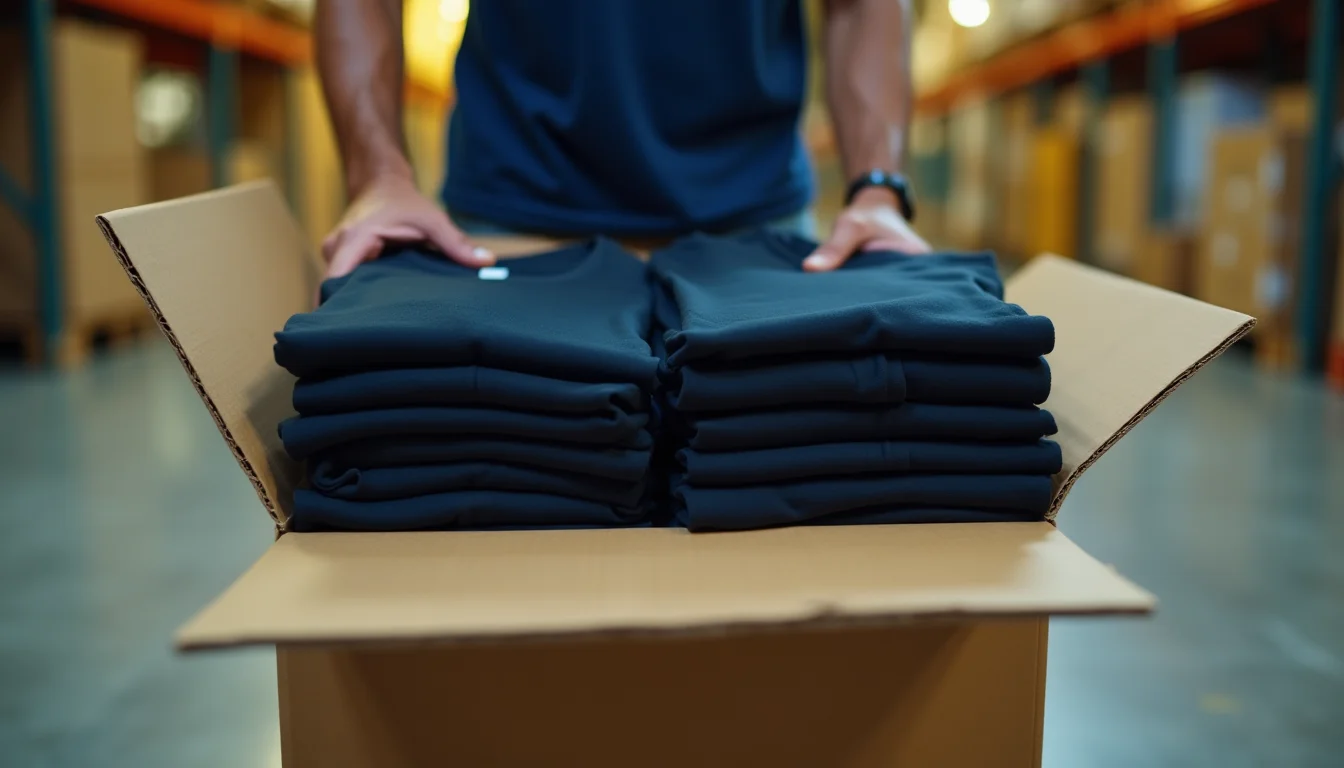
You receive an email and dashboard notification. The customer pays your Razorpay account. You then log into sale91.com and place the order using the customer's shipping address. We dispatch directly to your customer with our branding on the package, or plain packaging if you request.
Do you dropship with my branding?
Standard orders ship with Sale91.com packaging. For custom branding (your labels, your packaging), there's a minimum order value and setup fee. Contact our team for white-label options if you're doing significant volume.
Can I add products from other suppliers?
Yes, use the custom products section. You can add anything you source from anywhere—hoodies from another supplier, caps from a different vendor, printed merchandise from your own production. Your website becomes a one-stop shop for all your offerings.
Is there a limit on number of orders or products?
No limits whatsoever. Process 10 orders per month or 1,000—the system handles it. Add 5 products or 500—there are no restrictions. This is a complete, unrestricted ecommerce platform, not a trial or freemium version.
What about technical support?
We provide email support through the dashboard contact form. For urgent issues, our WhatsApp business line is available during business hours. There's also a growing community of mrch.in users sharing tips and strategies in our Telegram group (link in dashboard).
Real-World Success Stories
In the few months since launching mrch.in, we've seen impressive results from early adopters:
Rohit from Jaipur started with zero online presence. He connected his domain (printsvilla.com), set ₹15 margins, and promoted through local printing groups on WhatsApp. Within 45 days, he had processed 47 orders worth ₹4,23,000, earning ₹63,450 in pure profit.
Priya in Bangalore was already selling through IndiaMART but wanted her own branded platform. She used mrch.in to create a professional website, which gave her more credibility than a generic marketplace profile. Her average order value increased 40% because customers perceived her as a more established business.
Amit in Delhi took a different approach. He used the printer supplies section heavily, targeting DTF printing businesses. By positioning himself as a one-stop shop for both blanks and printing equipment, he created a sticky customer base that orders multiple times per month.
Advanced Tips for Power Users
Seasonal Inventory Management
During winter, hide summer-weight 180 GSM products and promote 220 GSM heavier shirts and hoodies. In summer, disable hoodies and push lightweight options. This seasonal adjustment makes your catalog more relevant to current customer needs.
Creating Product Bundles
Use the custom products feature to create bundles: "Screen Printer Starter Pack" (100 white tees + 100 black tees + printing supplies) at a discounted bundle price. Bundles increase average order value significantly.
Geographic Pricing Strategies
If you notice most orders come from a specific region, you can adjust margins based on local competition. Southern markets might tolerate higher margins due to proximity to Tiruppur, while northern markets might require aggressive pricing to compete with local Delhi suppliers.
Email Marketing Integration
Export customer email addresses from your order dashboard and build an email list. Send monthly newsletters about new products, seasonal offers, and bulk discount opportunities. Email marketing has exceptional ROI in B2B contexts.
Watch the Video
Frequently Asked Questions
Ready to Launch Your B2B Ecommerce Business?
Don't let the complexity and cost of building an ecommerce website hold you back. With mrch.in, you can have a professional, fully functional B2B platform running in the next 5 minutes.
Visit Sale91.com now, click on "Free B2B Website," and start your entrepreneurial journey. Whether you're an existing printing business looking to expand online, a textile trader wanting to showcase your catalog, or a complete beginner exploring the bulk apparel industry, mrch.in provides everything you need to succeed.
No credit card required. No commitments. No risk. Just opportunity.
Browse our complete product range: BulkPlainTshirt.com Catalog